Written by: Doug Camplejohn, CEO & Co-Founder, Coffee
Key Takeaways for a Clean, Reliable Migration
- A Salesforce-to-HubSpot migration succeeds when treated as both a data move and a process redesign. Aim for zero data loss, under 5% manual re-entry, and all critical workflows live within 30 days.
- Start with a thorough pre-migration audit and data cleanup. Deduplicate records, retire unused fields, standardize picklists, and plan separate handling for attachments to avoid costly delays.
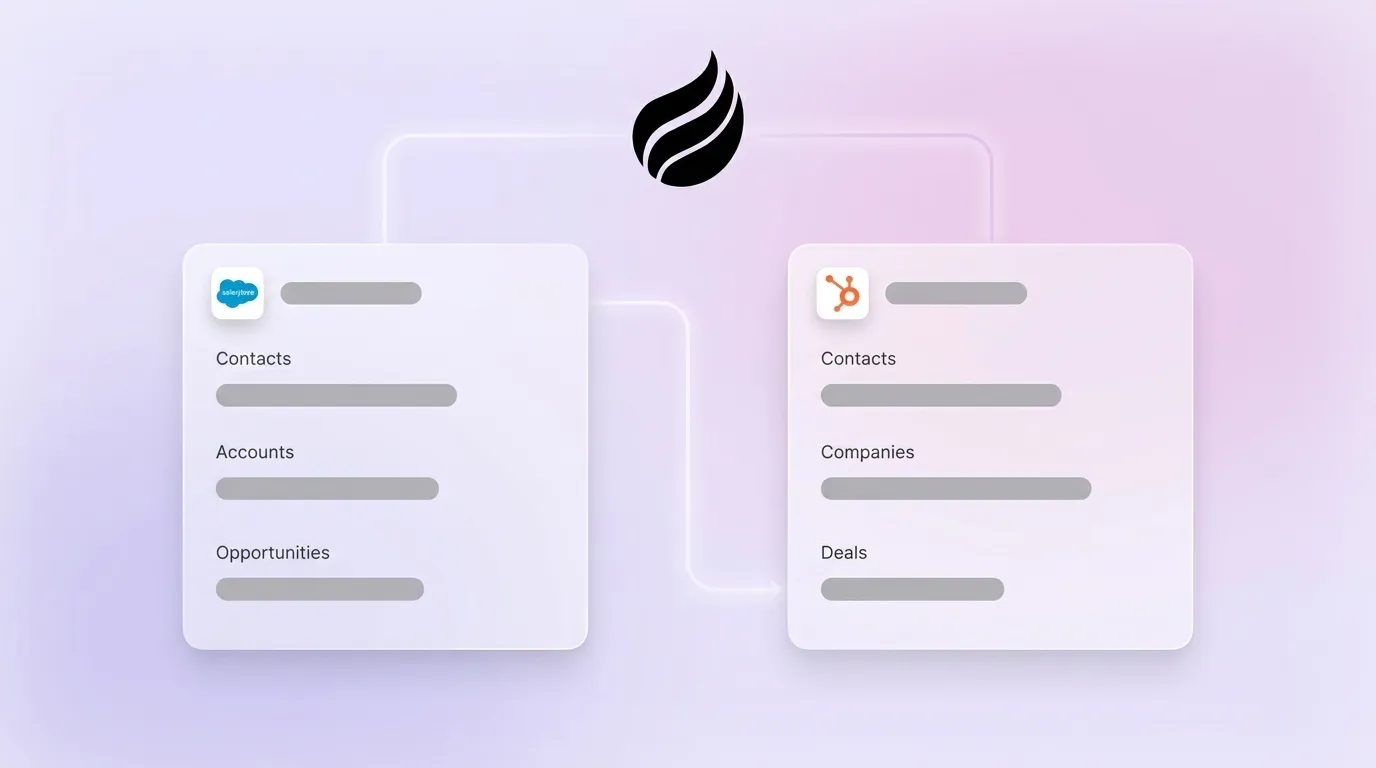
- Follow a strict import sequence (Users → Companies → Contacts → Deals → Tickets → Engagements → Attachments) and validate all field mappings in a HubSpot sandbox to preserve associations and prevent orphaned records.
- Inventory and selectively rebuild automations. Separate direct-transfer workflows from those needing middleware updates or retirement, then run user-acceptance testing before go-live.
- After migration, deploy Coffee’s Companion App to keep HubSpot data clean automatically. See Coffee’s pricing and deployment options to reduce manual data entry from day one.
Pre-Migration Audit & Data Cleanup for Reliable Imports
The audit phase prevents surprises and protects your timeline. Any timeline estimate provided before a data audit is a guess, and the audit itself adds two to three weeks to the project. Budget for this work explicitly.
Effort scales directly with record volume. For organizations under 10,000 records, a single RevOps analyst can usually complete the audit in one week. For 10,000–50,000 records, plan for two analysts over two weeks. Above 50,000 records, the data-audit phase alone typically runs one to two weeks with dedicated resources and external tooling.
Four cleanup tasks must be completed before any import begins, and each one improves data quality in a different way. Start by deduplicating contacts and accounts. 76% of organizations report less than half of their CRM data is accurate and complete. Once you have unique records, retire unused fields so you carry only actively used properties into HubSpot and avoid clutter. Next, standardize picklist values so dropdown options match HubSpot’s expected formats and do not trigger import errors. Finally, handle attachments as a separate workstream. Migrating files attached to records, email attachments, and documents requires a separate migration approach due to differing storage methods and can add a week to the overall timeline.
Success criterion: 95% duplicate-free records verified in a pre-import data quality report before any object is loaded into HubSpot.
Field Mapping Matrix for Salesforce and HubSpot
Accurate field mapping keeps data usable after migration. Aligning field types, naming conventions, and structure across both systems before migrating prevents errors during data transfer. Validate every field in a HubSpot sandbox before any production import.
Success criterion: 100% of fields mapped and validated in a HubSpot sandbox environment before any production import begins.
Recommended Import Sequence to Preserve Associations
A strict import order keeps relationships between records intact. Loading objects out of sequence breaks associations and forces manual re-linking. Post-load validation against reporting and automation requirements is required to avoid broken workflows after import.
- Users and Teams – Create all HubSpot users first. Record ownership assignments depend on user records existing before contacts are imported.
- Companies (Accounts) – Import parent objects before child objects. All contact-to-company associations depend on company records existing first.
- Contacts – Import after companies. HubSpot deduplicates on email address, so audit email hygiene before this step.
- Deals (Opportunities) – Import after contacts and companies. Verify pipeline stages are pre-configured in HubSpot before loading.
- Tickets (Cases) – Import after contacts. Service Hub must be active.
- Engagements / Activity History – Import last. Engagement history such as email opens, form submissions, and page views requires deliberate handling because it is stored differently between platforms.
- Attachments – Run as a separate, final migration pass. Attachments require a separate migration approach and can add a week to the timeline.
Warning: Salesforce treats Leads as a distinct object that converts to Contact and Account, while HubSpot maintains Leads as a parallel object alongside Contacts for the pre-deal process. Define your Lead handling strategy before step 3.
Success criterion: All associations verified via HubSpot’s association report before the next object in sequence is imported.
Rebuilding Workflows & Automations in HubSpot
A clear automation inventory prevents gaps after go-live. Conduct a full automation inventory before migrating data, distinguishing business-critical automations from legacy workflows that may not require rebuilding. Not every Salesforce workflow deserves a HubSpot equivalent.
Three categories of automations require different handling. Some Salesforce automations transfer directly into HubSpot workflows, so map these first and rebuild them in HubSpot’s workflow editor using equivalent enrollment triggers and actions. Others depend on third-party middleware such as Make or Zapier or on custom actions and webhooks, so plan updates or rewrites for those connections. Finally, some workflows exist in Salesforce only because of technical debt rather than business need, and you should retire these instead of rebuilding them.
Map the entire integration stack connected to Salesforce prior to migration to determine which connections must be rebuilt on day one, moved in later phases, or simplified. Integrations with marketing automation platforms, ERP systems, and support tools each carry their own rebuild timeline.
Success criterion: 90% of critical automations rebuilt, tested, and confirmed active in HubSpot within 30 days of go-live.
Timeline & Cost Ranges by Record Volume
Typical timelines and costs scale with record volume and complexity. The table below presents timeline and professional-services cost ranges by record volume. HubSpot license fees and onboarding fees are separate line items not included in the professional-services figures. HubSpot license fees are purchased directly from HubSpot and are not bundled into professional services quotes.
| Record Volume | Typical Timeline | Professional Services Cost | Key Cost Drivers |
|---|---|---|---|
| Under 10,000 records | 2–3 months | $3,000–$8,000 | Field mapping, workflow rebuild, basic integrations |
| 10,000–50,000 records | 6–12 weeks | $15,000–$30,000 | Custom objects, automation complexity, integration rebuilds |
| 50,000–100,000+ records | 10–24 weeks | $15,000–$50,000+ | Historical data volume, deep customization, parallel-run period |
HubSpot mandates onboarding fees for Professional and Enterprise plans, typically ranging from $1,500 to $7,000. These fees are waived when implementation is performed by a HubSpot Solutions Partner.
A parallel-run period of 15 to 30 days is standard for validating data integrity before decommissioning Salesforce, and periods longer than 30 days create synchronization problems. Budget for this overlap in both cost and internal resource terms.
Success criterion: Project completed within the stated timeline band for the applicable record volume tier, with go-live costs within 10% of the pre-audit estimate.
Common Failures & How to Avoid Them in Practice
The failures that derail migrations follow consistent patterns, and teams report them repeatedly.
Attachment loss. Teams often assume attachments migrate with records, but they do not. As noted in the pre-migration audit section, run a dedicated attachment audit before go-live and execute the attachment migration as a standalone workstream.
Association loss. Importing contacts before companies, or deals before contacts, breaks parent-child associations silently. The records exist in HubSpot but are orphaned. Enforce the import sequence in the previous section without exception.
Reporting discrepancies. HubSpot and Salesforce calculate metrics differently. Attribution models, deal close-date logic, and activity counts will not match one-to-one. Reporting mismatches between teams are a common post-migration challenge. Document the expected deltas before go-live so leadership is not surprised by dashboard differences.
Rushing the timeline. Starting a migration only two months before contract renewal often forces teams to request costly Salesforce extensions after cutting corners on planning. Begin the audit phase at least four months before your Salesforce renewal date.
Over-migrating fields. Companies migrating 500 Salesforce contact fields when only 200 are actively used arrive in HubSpot with a messy instance from day one. Audit field usage before mapping.
Success criterion: Zero reported attachment or association errors in the first 30 days post-go-live, verified via HubSpot’s association report and file audit.
Post-Migration Agent Layer to Keep HubSpot Clean
A clean HubSpot instance degrades quickly without a system that keeps it clean. The same problem that existed in Salesforce, where humans fail to log calls, update deal stages, and record meeting notes, reappears in HubSpot within 60 to 90 days of go-live. The architecture changed, but the behavior did not.

This pattern exposes a structural flaw in every lift-and-shift migration. The CRM acts as a passive container, and passive containers rely on active human maintenance. Poor data quality in CRMs can lead to lost revenue, and workers often spend significant time searching for information. Moving platforms does not fix that problem, while an agent layer can.
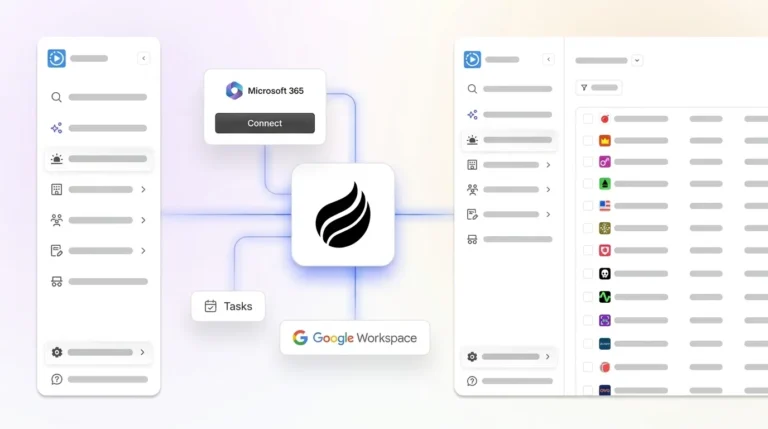
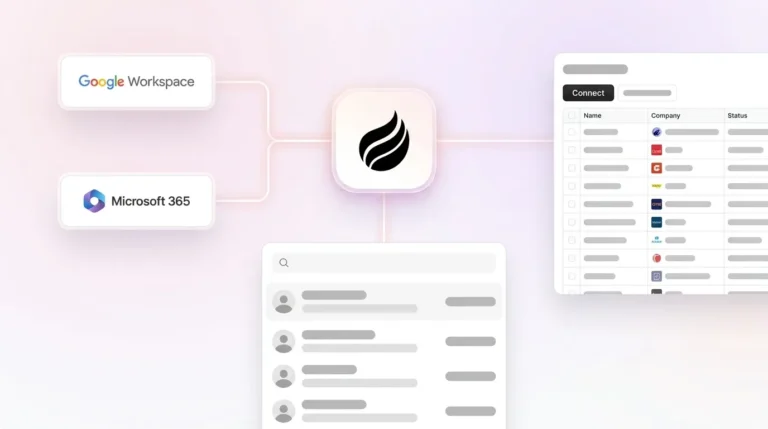
Coffee’s Companion App deploys an autonomous agent on top of your HubSpot instance. After you connect Google Workspace or Microsoft 365, the Coffee Agent ingests emails, calendar events, and call transcripts, then writes structured data back to HubSpot automatically. Contacts are created, activities are logged, deal stages are updated, and meeting summaries are filed, all without a rep touching the CRM. The agent also prepares pre-meeting briefings and drafts post-call follow-up emails for rep review, which compresses the manual work of a full sales cycle into minutes.

For RevOps teams that just completed a migration, Coffee reduces regression risk. The HubSpot instance stays clean because the agent handles data entry continuously instead of in occasional bursts.

Success criterion: Fewer than one hour per week of manual CRM data entry per rep, measured at 60 days post-migration.
Frequently Asked Questions
How long does a Salesforce to HubSpot migration realistically take?
Timeline depends on record volume, custom object complexity, number of active integrations, and whether a proper data audit occurs before import. Smaller organizations with under 10,000 records and minimal customization typically complete the migration in two to three months. Mid-market organizations with 10,000 to 50,000 records should plan for six to twelve weeks of active project time, plus a 15-to-30-day parallel-run period where both systems operate simultaneously for validation. Organizations with over 50,000 records, deep Salesforce customization, or complex billing integrations should budget 10 to 24 weeks from audit to go-live. Any estimate provided before a data audit is speculative. As mentioned earlier, the audit phase adds two to three weeks but prevents the far more expensive problem of discovering data errors after go-live.
What does a Salesforce to HubSpot migration cost for a mid-market company?
Professional services costs for a mid-market migration, defined here as 10,000 to 50,000 records with moderate customization, typically range from $15,000 to $30,000. Complex migrations involving 10 or more years of historical data, large user populations, or deep custom object structures can exceed $50,000. These figures cover professional services only. HubSpot license fees and mandatory onboarding fees are separate, typically ranging from $1,500 to $7,000 depending on the plan. Onboarding fees are waived when implementation is performed by a certified HubSpot Solutions Partner. Post-migration support retainers, integration rebuild costs, and internal team hours must be budgeted separately. The most underestimated cost driver is data cleanup because messy source data extends timelines and increases both internal and external resource costs significantly.
Will historical activity data from Salesforce migrate to HubSpot?
Most standard record data, including contacts, companies, deals, and tasks, migrates cleanly when the import sequence and field mapping are executed correctly. Historical engagement data, including email opens, form submissions, call logs, and page views, requires more deliberate handling because Salesforce and HubSpot store this data differently. Activity history tied to converted Leads is particularly complex. Salesforce’s Lead-to-Contact conversion model does not map directly to HubSpot’s unified Contact object, and activity associations can break if the import sequence is not followed. Attachments, including files attached to records, email attachments, and documents, do not migrate with standard record imports and require a separate migration workstream that can add a week to the overall project. A clear data strategy defining what migrates to the active CRM, what gets archived, and what gets retired must exist before any import begins.
What are the biggest technical risks in a Salesforce to HubSpot migration?
The four most commonly reported failure modes are attachment loss, association loss, reporting discrepancies, and automation gaps. Attachment loss occurs when teams assume files migrate with records, but they do not, and a separate migration approach is required. Association loss occurs when objects are imported out of sequence, creating orphaned records that exist in HubSpot but are not linked to their parent companies or deals. Reporting discrepancies arise because HubSpot and Salesforce calculate attribution, deal close dates, and activity counts differently, so these deltas are expected and should be documented before go-live to prevent leadership confusion. Automation gaps occur when Salesforce workflows are not inventoried before migration. Some transfer directly to HubSpot, others require middleware like Make or Zapier, and some should be retired rather than rebuilt. Conducting a full automation inventory before any data movement begins is the most effective way to prevent post-migration workflow failures.
How does Coffee’s Companion App work with HubSpot after migration?
Coffee’s Companion App connects to an existing HubSpot instance through a simple authentication with Google Workspace or Microsoft 365. Once connected, the Coffee Agent ingests emails, calendar events, and call transcripts, then automatically creates contacts, logs activities, updates deal stages, and writes meeting summaries back to HubSpot without requiring reps to manually enter data. The agent also prepares pre-meeting briefings and drafts post-call follow-up emails for rep review. For teams that have just completed a Salesforce-to-HubSpot migration, Coffee addresses the core risk of CRM degradation, which is the tendency for data quality to erode as reps revert to manual habits. Coffee is SOC 2 Type 2 and GDPR compliant, and data is not used to train public models. Pricing is seat-based with no metering on agent activity.
Explore Coffee’s pricing to prevent CRM data degradation after migration.