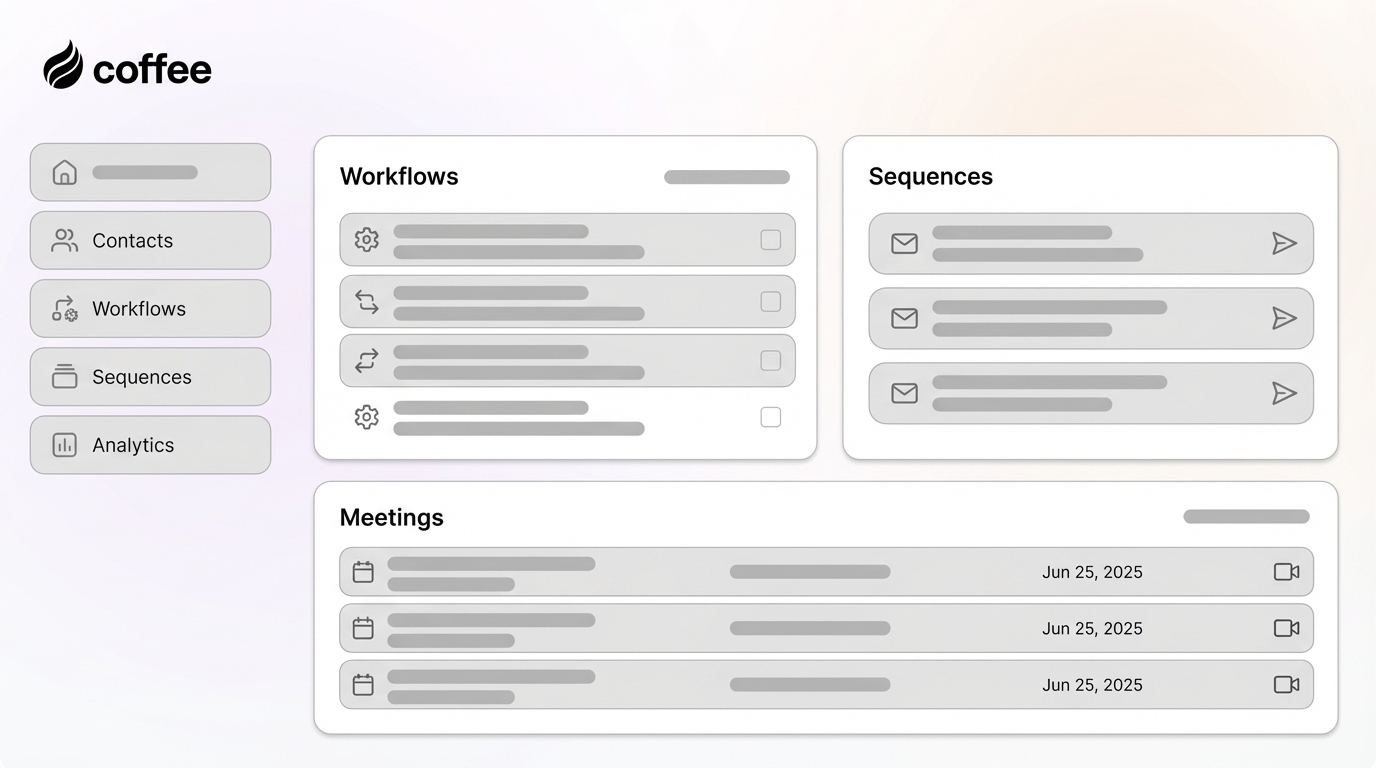
Post-Meeting Follow-up Sequences: These sequences ensure no lead goes cold after a demo or discovery call, without manual tracking by the rep.
High Impact, Higher Effort
Predictive Lead Scoring: This tool is powerful, and HubSpot’s predictive scoring requires several months of clean historical deal data to become reliable. Build this after your data hygiene is solid.
Deal Stage Automation: This category requires clear process definition and buy-in from the sales team before configuration begins.
Follow these steps to configure a lead routing workflow in HubSpot:
Navigate to Automation > Workflows and create a new Contact-based Workflow.
Set the enrollment trigger to “Contact Property: Create Date Is Known” or a specific form submission trigger.
Add an “If/Then” Branch to route by territory or deal size. For example, if Country equals “Germany,” assign to the EMEA Rep. If Company Size is greater than 200, assign to the Enterprise AE.
Use the “Rotate Records” Action for round-robin distribution among reps with equivalent territories or segments.
Add a “Set Property Value” Action to assign the Contact Owner.
Create a follow-up task for the new owner, such as “Call Within 24 Hours,” and send an internal email notification with the lead’s key details.
Pro Tip: Use HubSpot’s Breeze Assistant to draft the internal notification copy or to help define the criteria for your If/Then branches. Breeze Assistant is included in any HubSpot paid plan with no separate AI subscription required.
4. Put Follow-ups On Autopilot: Master Sales Sequences
Sequences keep follow-up consistent without forcing reps to track every touch manually. They send from a rep’s connected inbox and stop automatically when a prospect replies or books a meeting. 80% of successful sales are preceded by five or more follow-ups, so a reliable cadence creates an immediate lift.
Create instant meeting follow-up emails with the Coffee AI CRM agent
Use this process to configure a high-performing sequence:
Go to Sales > Sequences and create a new sequence.
Structure a five-step sequence over two weeks. Use Day 1 for a personalized intro email under 80 words, Day 3 for a call task, Day 5 for a follow-up email with a new angle, Day 10 for a LinkedIn task, and Day 14 for a break-up email.
Use personalization tokens like {{contact.firstname}} and {{contact.companyname}} in the email body and subject line.
Ensure “Stop On Reply” is enabled so the sequence automatically unenrolls a contact when they respond.
On Sales Hub Enterprise, use Dynamic Sequences to adapt the next step based on whether the contact opened or clicked a previous email, which fast-tracks high-engagement contacts.
Pro Tip: Use Breeze AI to draft sequence steps. Prompt it with a request such as “Write a short, personalized follow-up email for a SaaS demo attendee that mentions their company’s recent funding round.” HubSpot’s Prospecting Agent can automate parts of outreach creation while still personalizing to each prospect’s context.
Common Mistake: Sending more than two to three emails per week or relying on generic “just checking in” templates reduces engagement. A “touch” can be a call or LinkedIn task. Each step should have a clear purpose beyond “we have not heard from you yet.”
5. Prevent Stale Deals: Automate Deal Stage Updates
Follow these steps to build a deal stage automation workflow:
Create a new Deal-based Workflow.
Set the enrollment trigger to “Deal Stage Is [Specific Stage]”, such as “Demo Scheduled.”
Add actions to auto-execute tasks and property updates. When a deal moves to “Proposal Sent,” create a task to “Follow Up If No Response In 3 Days” and notify the sales manager.
For “Closed Won,” update the Contact Lifecycle Stage to Customer and create an onboarding task.
For “Closed Lost,” set a required deal loss reason property and enroll the contact in a re-engagement workflow after 90 days.
6. Score And Prioritize Leads: Focus Rep Effort On The Right Prospects
Lead scoring directs rep attention toward high-intent prospects instead of whoever emailed most recently. A simple model often outperforms a complex one that nobody understands.
Use these steps to configure a straightforward scoring model:
Navigate to Sales > Lead Scoring.
Add positive attributes such as “Visited Pricing Page” (+10), “Downloaded A Whitepaper” (+5), and “Attended A Webinar” (+8).
Add negative attributes such as “Unsubscribed From Emails” (−10), “Is A Student” (−50), and “Free Email Domain” (−20).
Set a threshold, such as 25 points, that triggers a workflow to notify the sales team and update the Lifecycle Stage to MQL.
Common Mistake: Many teams overcomplicate lead scoring at the outset. Start with a handful of actions that correlate with sales-ready behavior in your specific pipeline. HubSpot’s predictive lead scoring can help, and it requires several months of clean historical deal data to be reliable.
7. Use AI And Playbooks To Support Reps In Real Time
These tools deliver strong support when reps use them on accurate data. A rep must still initiate them, and their output quality depends entirely on the information already stored in the CRM. HubSpot advises that certain decisions should always stay human-reviewed, including deal terms, escalation routing for sensitive issues, and data overwrites on high-value records. Breeze operates on the CRM as a data source, while the CRM itself still relies on human labor for data entry.
8. Why HubSpot Alone Is Not Enough: The Case For A CRM Agent
Every automation in this guide depends on accurate, timely data. When reps skip activity logging, delay deal stage updates, or skip notes after calls, workflows act on stale or incorrect information. 85% of sales reps admit to having missed sales due to incorrect CRM data, and 23% say manual data entry is the primary barrier to CRM adoption. HubSpot automates processes, but the data input those processes depend on still requires human effort.
Coffee fills this gap as a CRM Agent that deploys as a Companion App on top of your existing HubSpot instance. After connecting to Google Workspace or Microsoft 365, the Coffee Agent scans emails and calendars to auto-create contacts, log activities, enrich records with job titles and funding data, and generate post-meeting summaries and follow-up drafts. The Agent handles the “Data In” process so your HubSpot automations receive clean, real-time data. Coffee saves reps 8–12 hours per week by eliminating manual data entry, and those hours flow directly back into selling.
Build people lists automatically with Coffee AI CRM Agent
The table below compares HubSpot’s native automation tools with Coffee’s CRM Agent role:
Tool
Primary Function
Best For
Key Limitation
HubSpot Workflows
Rules-based process automation such as routing, notifications, and property updates
Scaling repeatable, structured processes across the team
9. The Human Element: Getting Reps To Actually Use Automations
Automation only works when reps trust it and understand how it behaves. Almost 49% of CRM projects fail due to lack of adoption. Change management keeps your automation investments from going unused.
Involve reps in workflow design. Start by asking where their biggest time sinks appear before building anything. Reps who help design automations are far more likely to trust and use them.
Provide training on what each automation does and what it triggers. Then explain how sequences start and stop, so reps understand why a sequence ended and avoid duplicate outreach.
Eliminate the data entry they resent most. As noted earlier, manual data entry is a top barrier to CRM use. A CRM Agent like Coffee removes that barrier and turns the CRM into a tool that actively helps reps sell.
Automation needs clear measurement so you can see whether it truly reduces manual work. HubSpot recommends tracking time saved on CRM admin, record completeness rate, speed to follow-up, and handoff quality. Custom dashboards in HubSpot make these metrics visible.
With these metrics in place, you can track the impact of your automation efforts and refine them over time.
11. Frequently Asked Questions
What Are The Best Sales Automation Tools For HubSpot?
HubSpot’s native tools include Workflows for process automation, Sequences for personalized 1:1 outreach, Lead Scoring for prioritization, and Breeze AI for content generation and CRM-grounded research. These tools handle the process layer of sales automation effectively. For automating the manual data entry that HubSpot still requires, such as logging calls, enriching records, and capturing meeting notes, a CRM Agent like Coffee provides the strongest complement. Coffee connects to your HubSpot instance and automatically writes clean, structured data back to your records, so your native automations always have accurate information to act on.
How Does HubSpot Automation Improve Sales Productivity?
HubSpot automation improves productivity by removing manual decisions and repetitive tasks from the rep’s plate. Leads route instantly, follow-up sequences run without manual tracking, deal stage changes trigger the right tasks automatically, and high-intent prospects surface through lead scoring. The full productivity benefit appears when the underlying CRM data stays clean and current. If reps skip activity logging or delay deal updates, workflows act on bad data and sequences enroll the wrong contacts. A CRM Agent like Coffee handles the data input layer autonomously, which keeps HubSpot automations aligned with ground truth.
What Is The Difference Between HubSpot Workflows And Sequences?
Workflows are rules-based automations that run on contacts, deals, companies, or tickets. They handle routing, internal notifications, property updates, lifecycle stage changes, and task creation at scale without rep involvement. Sequences support personalized, 1:1 outreach. They send from a specific rep’s connected inbox, include manual task steps such as calls and LinkedIn messages, and automatically stop when the prospect replies or books a meeting. Workflows continue running regardless of replies. The most effective HubSpot setups use both together, where workflows handle routing and triggering logic, and sequences execute the personalized outreach once the right conditions are met.
How Can I Get My Sales Reps To Actually Use HubSpot?
Adoption problems usually appear when reps feel they serve the software instead of the software serving them. The most effective interventions include involving reps in workflow design so they understand and trust what has been built, providing clear training on what each automation does, and eliminating the manual data entry they dislike. When a CRM Agent like Coffee handles logging and admin work automatically, the CRM becomes a tool that helps reps prepare for meetings, track their pipeline, and follow up faster. Reps are more likely to adopt tools that simplify their jobs, while tools that add work are quickly abandoned.
12. Conclusion
Manual data entry and administrative overhead create a major drag on sales rep productivity, and HubSpot’s native automation addresses only the process layer. Workflows, Sequences, Lead Scoring, and Breeze AI automate routing, follow-up, deal stage management, and prioritization, yet each automation still depends on clean, current data that humans are expected to enter. That dependency sets a ceiling on what HubSpot automation alone can achieve.
By following the roadmap in this guide, starting with lead routing, layering in sequences and deal stage automation, and building toward predictive scoring, RevOps leaders can recover significant rep time and improve pipeline accuracy. To fully close the gap, teams must solve the data entry problem at the source. Coffee’s CRM Agent connects to your existing HubSpot instance and handles the “Data In” process autonomously by logging activities, enriching records, capturing meeting notes, and drafting follow-ups. The result is a HubSpot instance that reflects reality and automations that act on data you can trust. Ready to transform your HubSpot instance into a productivity engine? Get started with Coffee today.