Written by: Doug Camplejohn, CEO & Co-Founder, Coffee | Last updated: August 8, 2026
Key Takeaways for a Smooth Salesforce Migration
Successful Salesforce data migrations rest on three pillars: clean source data, correct object load order with External IDs, and an automated agent layer that prevents post-go-live data decay.
Follow a strict object load sequence, loading Users and Accounts before Contacts, Opportunities, and child records to avoid broken relationships and missing owner assignments.
Profile, deduplicate, and cleanse source data before migration; fixing issues afterward costs roughly five times more and can break new workflows.
Disable automations, run multiple sandbox dry runs, and prepare rollback scripts so cutovers stay repeatable, predictable, and on budget.
After go-live, activate an agent layer such as the Coffee Companion App to auto-capture activity and maintain data quality. Try Coffee’s Companion App on a free trial and keep your CRM accurate without extra rep effort.
Choosing Salesforce Data Migration Tools That Fit Your Project
Choosing the right tooling before you start saves weeks of rework. The table below compares the three main categories available in 2026. Each category fits a different volume and complexity level.
Category
Representative Tools
Best For
Key Limitation
Native Salesforce
Data Loader, Data Import Wizard
Simple, low-volume loads under 50,000 records
No transformation logic, manual field mapping
Modern ETL / iPaaS
Bulk API 2.0-powered tools (MuleSoft, Fivetran, Talend)
Document your go/no-go criteria, rollback triggers, and escalation paths in a runbook. Organizations that allocate a significant portion of the project timeline to planning, preparation, and testing experience substantially fewer failures.
Common Pitfall: Scope creep mid-project. Lock the object list before discovery ends and require a formal change request for any addition.
Step 2: Audit and Cleanse Source Data Before Mapping
Common Pitfall: Assuming the source system is cleaner than it is. 60% of CRM migrations fail due to bad data quality. Profile every critical field before you build a single mapping so surprises do not appear during loading.
Common Pitfall: Hardcoding API version numbers in scripts instead of parameterizing them. When Salesforce deprecates a version, every script must be updated manually, and missed updates halt jobs mid-load with HTTP 410 errors.
Step 5: Establish Object Load Order with a Dependency Table
Common Pitfall: Loading junction objects before both parent objects exist. This produces invalid cross-reference ID errors that are tedious to diagnose at scale.
As you disable each automation, document it in your runbook along with the order for turning everything back on. That record becomes your recovery checklist if the migration fails. With that inventory complete, prepare a rollback script that can delete or restore records to the pre-migration state within your agreed rollback window.
Common Pitfall: Forgetting a single active flow that fires on record creation. One missed automation can corrupt thousands of records before anyone notices.
Step 7: Run Sandbox UAT with Clear Validation Metrics
Common Pitfall: Running only one dry run. A single test cannot expose timing variances, edge-case validation failures, or the cumulative effect of multiple object loads on API limits, so plan for at least three full rehearsals before scheduling the production cutover.
Step 8: Cut Over and Switch On an Agent Layer for Continuous Data Quality
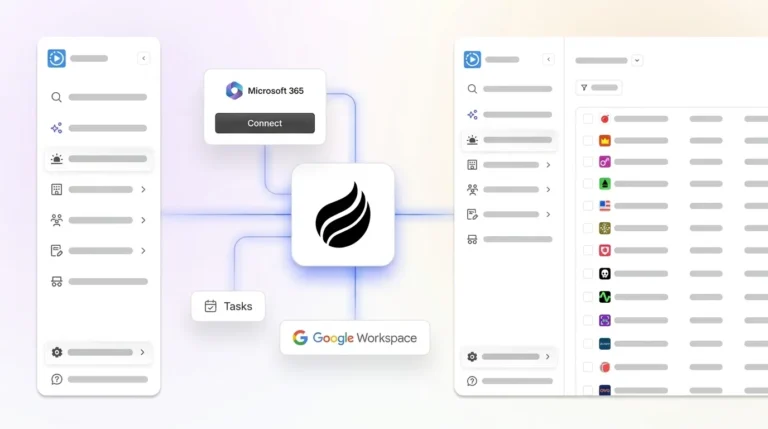
The moment go-live completes, activate an agent layer. Without one, bad data re-enters immediately as reps skip manual logging. Coffee’s Companion App connects to your Salesforce instance and begins auto-capturing emails, calls, and calendar events, keeping records accurate without rep effort.
Create instant meeting follow-up emails with the Coffee AI CRM agent
Common Pitfall: Treating go-live as the finish line. Only 46% of Salesforce data migrations finish on time and nearly 64% run over budget, and post-go-live decay is the silent cost that follows every migration without automated governance.
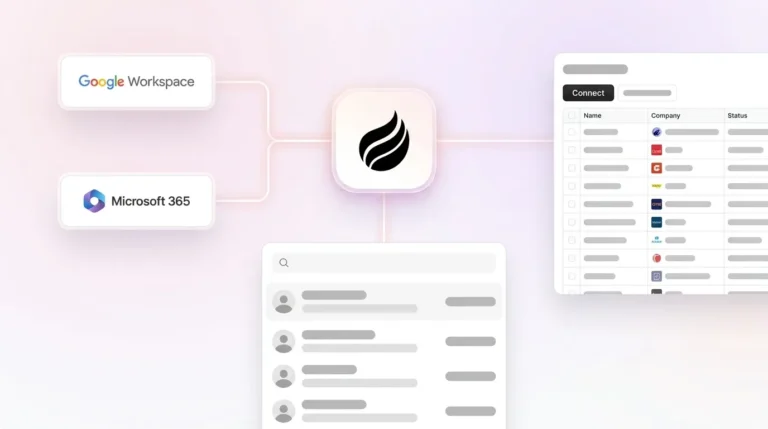
The root cause usually stays the same: humans do not reliably log their activity. Coffee’s agent layer removes that dependency entirely. Upon connecting to Google Workspace or Microsoft 365, the Coffee Agent works as an always-on assistant that keeps Salesforce updated in the background.
Automated meeting prep with Coffee AI CRM Agent
Auto-creates and enriches Contacts and Companies from emails and calendar events so new relationships never stay hidden in inboxes.
Logs every call, meeting, and email as an Activity against the correct Salesforce record, which keeps timelines complete for managers and reps.
Generates post-call summaries, next steps, and follow-up drafts without rep input, turning raw activity into usable insight.
Tracks pipeline changes week-over-week via Pipeline Compare, replacing manual CSV exports and spreadsheet gymnastics.
How long should a rollback window be, and what triggers it?
A rollback window of 24–72 hours is standard for mid-market Salesforce migrations. Define specific triggers before cutover, such as record count variance above 1%, broken parent-child relationships on any critical object, or key dashboards failing to render. Document the exact delete or restore script in your runbook so the team can execute without debate under pressure. For enterprise migrations with heavy customization, extend the window to one week and stage rollback by object group rather than attempting a full system restore.
Why is a weekend cutover recommended?
Weekend cutovers minimize the number of active users creating or editing records during the load window. Concurrent writes during a migration introduce race conditions that corrupt lookup fields and ownership assignments. A Friday-night start gives the team Saturday to complete loads, Sunday to run UAT validation, and Monday morning to confirm business-critical dashboards before the full user base logs in. Always communicate the maintenance window to all stakeholders at least two weeks in advance and confirm your Salesforce support tier covers weekend response.
What GDPR considerations apply to a Salesforce data migration?
GDPR requires that personal data transferred between systems remains subject to the same lawful basis for processing. Before migration, audit which Contact and Lead records have valid consent or legitimate interest documented. Remove records that lack a lawful basis rather than migrating them, because this moment also gives you the single best opportunity to reduce your data footprint. Map any data residency requirements to Salesforce’s instance geography settings. Document the transfer in your Records of Processing Activities (RoPA) and confirm your data processing agreement with Salesforce covers the migration period. Coffee is SOC 2 Type 2 and GDPR compliant; data processed by the Coffee Agent is not used to train public models.
How do you scale a Salesforce migration from a 20-rep team to a 200-rep team?
The object model and load order remain the same as team size grows, but volume and complexity increase. At 200 reps, you will have more custom objects, more complex sharing rules, and more automation to disable. Use Bulk API 2.0 with parallel job processing for high-volume objects and serial mode for any object with lookup skew. Invest in a full-copy sandbox rather than a partial-copy sandbox. Assign a dedicated migration lead per object domain, such as Accounts, Contacts, and Opportunities, rather than one generalist. Post-go-live, an agent layer becomes non-negotiable at 200 reps, because manual logging compliance collapses at scale, and Coffee’s Companion App handles the data-in problem automatically regardless of team size.
What metrics define a successful Salesforce data migration?
Track five metrics at cutover and for 30 days post-go-live: source-to-destination record count reconciliation with a target of a 100% match after deduplication, parent-child relationship integrity with a target of zero orphan child records, required field completeness with a target above 95% for fields used in forecasting, duplicate rate with a target below 5%, and user adoption measured by Activity logging rate per rep per week. A data quality score that combines completeness, uniqueness, and timeliness gives leadership a single number to track over time. Set automated alerts when any metric crosses its threshold so issues surface in hours, not quarters.
Conclusion: Make This Your Last Painful Salesforce Migration
A zero-surprise Salesforce migration rests on three pillars: clean source data before a single record moves, correct object load order with External IDs to preserve every relationship, and an always-on agent layer that prevents bad data from re-entering after go-live. The eight steps above give RevOps teams a repeatable playbook that addresses each pillar in sequence.