
Written by: Doug Camplejohn, CEO & Co-Founder, Coffee | Last updated: August 8, 2026
Key Takeaways for a 12-Touch LinkedIn Cadence
- A LinkedIn prospecting cadence is a structured, repeatable sequence of multichannel touchpoints over 14–21 days that turns cold prospects into booked meetings.
- High-performing cadences follow five rules: go multichannel, use 4–7 touches per week, run for 14–21 days, stop on reply, and rotate angles with fresh value each time.
- The 12-touch, 21-day template spreads touches across email (60%), LinkedIn (25%), and phone (15%) with stop-on-reply logic applied at every step.
- Supporting frameworks like the 3-2-1 and 5-3-2 rules on LinkedIn keep outreach human-paced, build authority, and lift connection acceptance and reply rates.
- Automate this cadence with Coffee to remove manual data entry and scale outreach across your entire sales team.
The 12-Touch, 21-Day Cadence Template in Practice
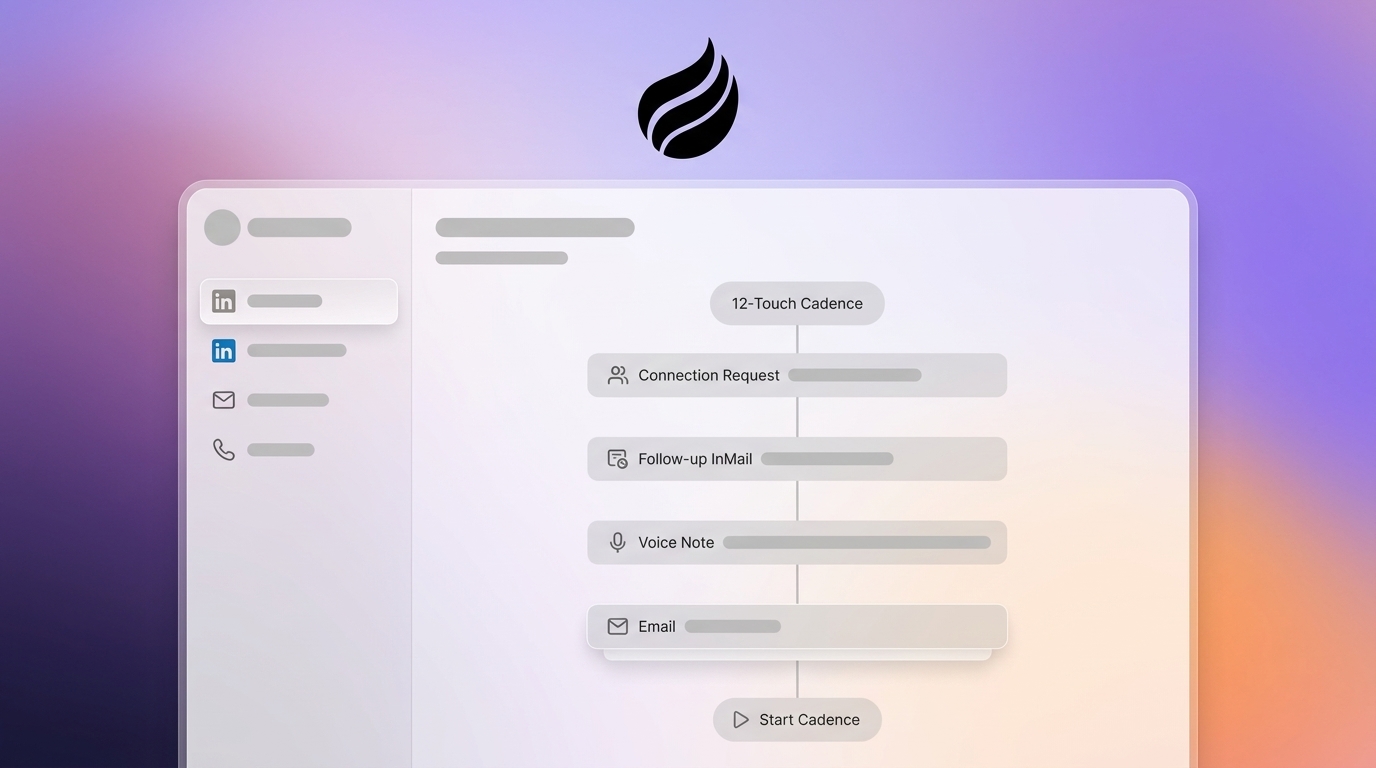
The table below is a ready-to-copy framework that front-loads touches in the first week to establish presence, then spaces them out to stay visible without overwhelming prospects. Email carries most of the early weight to build familiarity, LinkedIn enters once your name is recognizable, and phone calls appear only after several prior exposures. Distribution follows the optimal multichannel split for mid-market B2B outreach of approximately 60% email, 25% LinkedIn, and 15% phone. Stop-on-reply logic applies at every row.
| Day | Touch # | Channel | Goal | Example Action |
|---|---|---|---|---|
| 1 | 1 | Open the conversation | Personalized cold email referencing a company signal (funding, hire, product launch), single CTA | |
| 2 | 2 | Establish presence | Profile view (warm-up, not a direct touch but logged by the agent) | |
| 3 | 3 | Connect | Connection request with a personalized note under 300 characters referencing the Day 1 email signal, no pitch | |
| 5 | 4 | Add value | Follow-up email sharing one relevant insight or resource, reference the LinkedIn request | |
| 7 | 5 | Value DM (if connected) | Short DM with a data point or case study tied to the prospect’s context, open-ended question, no pitch | |
| 8 | 6 | Phone | Introduce voice | First call attempt, leave a 20-second voicemail referencing the email and LinkedIn touchpoints |
| 10 | 7 | New angle | Email with a different angle, such as competitor insight, industry stat, or relevant customer outcome | |
| 12 | 8 | Soft CTA | DM asking for a 15-minute call on a specific topic, keep under 100 words | |
| 14 | 9 | Phone | Second call attempt | Call referencing the LinkedIn DM, voicemail if no answer |
| 16 | 10 | Proof point | Email sharing a brief customer story or ROI metric directly relevant to the prospect’s role | |
| 19 | 11 | Direct ask | Short email with a specific meeting request and a proposed time, one sentence of context | |
| 21 | 12 | Email + LinkedIn | Graceful exit | Breakup email and optional LinkedIn DM: acknowledge prior outreach, leave the door open, no hard ask |
Let Coffee’s AI Agent handle the execution, logging every touch, pausing on reply, and keeping your CRM current without manual data entry.
The 3-2-1 Rule on LinkedIn for Weekly Activity
The 3-2-1 rule is a content-and-outreach pacing framework that structures how a rep uses LinkedIn in any given week. Reps post or engage with three pieces of content, send two personalized connection requests to warm targets, and send one direct value message to an existing connection. The rule keeps activity human-paced and avoids the volume patterns that trigger LinkedIn’s informal send-volume thresholds.
This restraint is intentional and protects account health. The 2026 data shows that the rule aligns with LinkedIn’s enforcement limits. LinkedIn’s sending limits sit at approximately 100–150 connection requests per week and 150 new messages per week on paid accounts. Exceeding those thresholds, or sending at machine-like regularity, risks account restriction. Ampliflow caps connection requests at 15–25 per day to maintain higher acceptance rates.
The 3-2-1 rule also improves reply rates by front-loading content engagement. Engaging with a prospect’s content before sending a LinkedIn DM can lift reply rates. Warm outreach using intent signals or prior engagement achieves 40–60% connection acceptance and 25–55% reply rates, compared to the 20–30% acceptance rate typical of cold list outreach.
The 5-3-2 Rule on LinkedIn for Content Mix
The 5-3-2 rule governs the content mix a rep or team shares on LinkedIn to build authority before and during a prospecting cadence. Reps share five pieces of curated third-party content relevant to the target audience, three original insights or observations from their own experience, and two personal or humanizing posts. This ratio keeps the feed credible and non-promotional, which directly supports outreach performance.
The mechanism is straightforward and rooted in how people engage on LinkedIn. A Refine Labs analysis of employee vs. company-page posts found personal LinkedIn profiles generate 5x more engagement, 561% more reach, and 2.75x more impressions than company pages. When a prospect receives a connection request or DM, they often inspect the sender’s profile. A feed built on the 5-3-2 ratio signals expertise and credibility rather than a pure sales account, which raises acceptance and reply rates. Sales teams using authority-led warm-up sequences on LinkedIn report significantly more booked meetings per rep per month than those using cold-first approaches.
In 2026, the 5-3-2 rule also functions as a signal-generation engine. Prospects who engage with a rep’s content become warm targets. Post-engagement sequences that message people who liked or commented on relevant posts are among the three proven 2026 LinkedIn automation campaigns for warm lead discovery.
Step 1: Define a Precise Buyer Persona and ICP
A clear ICP and buyer persona give the cadence its aim. The ICP defines company attributes such as industry, employee count, revenue range, tech stack, and geography. The buyer persona defines the human side, including title, seniority, day-to-day pain, and the trigger events that make them ready to buy.
Inputs for this step include historical closed-won data, CRM records, and call transcripts. The owner is typically the head of sales or a senior SDR. The checkpoint is a one-page document that every rep can reference before writing a single message.
The Coffee Agent accelerates this step by scanning existing email threads, calendar invites, and call transcripts to surface patterns in the contacts that converted. The agent structures the historical context automatically, so the ICP reflects ground-truth data rather than assumptions.
Signal-based outreach achieves 15-25% reply rates versus 3-5% for generic cold email in 2026. A precise ICP is the prerequisite for signal-based targeting. Without it, even a well-structured 12-touch cadence reaches the wrong people.
Step 2: Build a Clean List with Natural-Language Search
A targeted, enriched list turns the ICP into real people you can contact. The inputs are the ICP criteria, the owner is the SDR or sales ops, and the data source is a prospecting database or built-in lead finder. The checkpoint is a list of 50–200 verified contacts with enriched titles, company sizes, and LinkedIn URLs before any outreach begins.

The most common mistake at this step is skipping enrichment and launching too early. Unenriched lists create bounced emails, mismatched personalization tokens, and incomplete CRM records from day one, which compounds the manual data entry problem that kills rep productivity.
Coffee’s Lead Finder removes this friction. A rep types a natural-language command such as “Find me VPs of Sales at SaaS companies with 50–200 employees in the U.S.” and the agent interprets the request, previews the matching results, and builds the list directly inside Coffee. The resulting list is enriched with job titles, LinkedIn profiles, and company data, and it lives in the same system that will run the outreach. No CSV exports, no tool-switching, no manual enrichment step.

LeadHaste’s analysis found that teams running real multi-touch sequences book 2 to 3 times more meetings than teams running single-channel outbound. That performance only appears when the list is accurate enough to support multichannel routing. List quality is the upstream variable that determines whether the cadence performs.
Step 3: Set Up Multichannel Routing Across LinkedIn, Email, and Calls
Multichannel routing defines which channel fires at which touch, under what conditions, and in which time window. Inputs are the verified prospect list and the cadence table above. The owner is sales ops or the SDR team lead. The checkpoint is a configured sequence with channel assignments, delays, and branching logic documented before launch.
The most common mistake at this step is ignoring time zones. The best sending window is 9 AM to 11 AM on Tuesday, Wednesday, or Thursday in the prospect’s local time zone, and sending LinkedIn messages outside normal business hours creates unnatural activity patterns that LinkedIn’s detection systems can flag as bot-like behavior. A cadence that fires at 2 AM in the prospect’s time zone wastes touches and risks account health.
The routing logic for the 12-touch cadence above follows a clear channel hierarchy. Email opens the sequence because the first 48 hours should be email-only to avoid signaling automation when adding LinkedIn around Day 3–4. LinkedIn connection requests follow once the prospect has seen the sender’s name. Phone calls enter at touches 6 and 9, after the prospect has had multiple exposures. Cold calling in a multichannel cadence works best after the prospect has seen the sender’s name on email and LinkedIn.
Step 4: Launch with Reliable Stop-on-Reply Logic
Stop-on-reply logic keeps automation from clashing with real conversations. The moment a prospect responds on any channel, every remaining automated touch must pause immediately. Inputs are the configured sequence and the live prospect list. The owner is the SDR, with the CRM as the system of record. The checkpoint is a test run confirming that a simulated reply correctly pauses all downstream steps before the cadence goes live.
Coffee’s Campaigns feature has stop-on-reply enabled by default. When a prospect replies to any step in the sequence, the agent pauses their enrollment automatically, so no one receives an automated email after a real conversation has started. The agent also applies built-in send throttling to protect the rep’s sender reputation, and per-step stats show exactly who received each touch and who replied, giving the rep full visibility without manual tracking.
The multichannel structure described above delivers its meeting lift only when stop-on-reply logic prevents the automation from talking over a live conversation. Without that safeguard, even a strong cadence can feel robotic and damage trust.
Run stop-on-reply sequences natively in Coffee, with every touchpoint logged to your CRM automatically.
Step 5: Rotate Angles and Write a Strong Exit
Angle rotation keeps each touch fresh so prospects see new value instead of repetition. Inputs are the prospect’s LinkedIn activity, company news, and industry data. The owner is the SDR. The checkpoint is a message map confirming that no two consecutive touches share the same angle or CTA before the cadence launches.
The most common mistake at this step is pitching too early. The connection request note should contain a specific real reference, one sentence about who you are, and zero pitch. The first DM after acceptance should close with an open question, not a meeting request. The direct ask belongs at touch 8 or later, after the prospect has received multiple pieces of value.
Effective angle rotation cycles through these categories across the 12 touches, moving from external signals to social proof and finally to a direct ask:
- Company signal (funding round, new hire, product launch), used early to show relevance
- Industry insight or benchmark data, which positions you as a resource rather than a vendor
- Customer outcome or case study, which provides proof without a hard pitch
- Competitor or market observation, which creates urgency or differentiation
- Direct meeting ask with a specific proposed time, only after value has been established
- Graceful exit with an open door, which preserves the relationship for future timing
The breakup message at touch 12 deserves particular attention because a clear, respectful exit can recover prospects who would otherwise go silent. A recommended phrasing: “I’ve reached out a few times and I get it. Timing might not be right. If this ever becomes a priority, I’ll be easy to find.”
Step 6: Track Reply Rates and Pipeline Impact
Measurement closes the loop and guides your next round of improvements. Inputs are per-step reply data, meetings booked, and pipeline value generated. The owner is the sales leader or RevOps. The checkpoint is a weekly review comparing current performance against 2026 benchmarks.
The 2026 benchmarks for a well-executed 12-touch multichannel cadence targeting mid-market B2B are:
- Connection acceptance rate: 30–45% is good; top performers reach the warm-outreach benchmarks mentioned earlier with tight, criteria-based targeting.
- LinkedIn post-connection reply rate: 10.4% average across industries.
- Overall sequence reply rate: Multichannel cadences often achieve higher reply rates than single-channel ones.
- Meeting conversion: 2–5% of total prospects messaged for solid performance; 5%+ for excellent results.
- Positive reply rate target: Around 3–4% HOT (meeting-ready) replies from LinkedIn outreach performs well above market.
When reply rates fall below 8%, the audit order matters. Teams should audit in this sequence: account list, contact selection, trigger, then message, because relevance from live business events drives results more than copy refinements.
Scaling from One SDR to a 10-Person Team
A single SDR running this cadence manually can work a list of 50–75 prospects at a time before quality drops. Scaling to a 10-person team without an automation layer multiplies the data entry problem, because each rep needs to log 12 touches per prospect across three channels, keep CRM records current, and hand off warm replies without losing context.
The Coffee Agent solves the scaling problem at both ends. On the input side, the Lead Finder builds and enriches lists for every rep from a shared ICP definition, so targeting stays consistent as headcount grows. On the output side, Campaigns runs each rep’s sequences from their own connected mailbox, so outreach comes from a human address, not a bulk-sending domain, while the agent logs every touchpoint, reply, and sequence step against the correct CRM record automatically.
For teams moving from one to ten SDRs, these practical adaptations keep the cadence effective:
- Assign territory or vertical segments to each rep so LinkedIn connection requests come from different accounts and stay within the platform’s weekly limits.
- Use dynamic prospect lists in Campaigns so new contacts matching the ICP are auto-enrolled as the list grows, without manual re-import.
- Route reply notifications to a shared inbox or Slack channel so any available rep can respond within the four-hour window while interest is fresh.
- Run weekly pipeline reviews using Coffee’s Pipeline Compare feature, which visualizes week-over-week changes in progressed deals, stalled opportunities, and new additions without spreadsheets or manual CSV exports.
Scale your cadence with Coffee so a full team can run this structure without adding data entry overhead.
Frequently Asked Questions
How long does it take to set up this cadence?
A single SDR can configure the 12-touch cadence in Coffee in under two hours. The setup process involves connecting a Google Workspace or Microsoft 365 mailbox, defining the ICP in the Lead Finder using a natural-language query, reviewing the generated prospect list, and launching a Campaign with AI-generated message drafts for each step. The AI generates subject lines, body copy, and delays for every touch from a plain-English description of the campaign goal. Every step remains fully editable before launch. The first touches can go out the same day.
What tools do I need beyond Coffee?
For the email and CRM layers, Coffee is self-contained and handles lead discovery, enrichment, sequence execution, reply detection, and CRM logging in one agent. For LinkedIn touches, reps send connection requests and DMs manually or through a compliant LinkedIn automation tool, while Coffee logs the activity and keeps the contact record current. Phone touches require a dialer, and Coffee integrates with external tools via Zapier, with deeper integrations on the roadmap. Teams already running Salesforce or HubSpot can deploy Coffee as a Companion App that writes enriched data and activity logs back to their existing system of record.
How does this cadence handle data privacy and compliance?
Coffee is SOC 2 Type 2 and GDPR compliant. Data ingested by the agent, including emails, calendar events, call transcripts, and prospect records, is not used to train public models. For LinkedIn outreach specifically, the cadence uses publicly available profile data and respects LinkedIn’s weekly sending limits to avoid account restrictions. Prospects who reply requesting removal from outreach are handled by stop-on-reply logic, which pauses the sequence immediately. Teams operating in regulated industries or targeting EU-based prospects should review their own data processing agreements and ensure opt-out mechanisms are in place at the sequence level.
How does the cadence change when scaling to a larger team?
The structure of the 12-touch cadence stays the same at scale, while the operational layer changes. Each rep runs their own sequences from their own mailbox and LinkedIn account, keeping sending volumes within platform limits. Territory or vertical segmentation prevents multiple reps from contacting the same prospect simultaneously. Dynamic prospect lists in Coffee auto-enroll new contacts as the Lead Finder surfaces them, so list-building does not become a bottleneck as headcount grows. Pipeline visibility scales through Coffee’s Pipeline Compare feature, which surfaces week-over-week changes across all reps without requiring manual reporting from each SDR.
What reply rate should I expect from this cadence?
For a mid-market B2B audience using the 12-touch multichannel structure above, a well-targeted cadence with personalized messages should produce 15–25% overall sequence reply rates, a 30–45% LinkedIn connection acceptance rate, and a 2–5% meeting conversion rate from total prospects contacted. These figures assume tight ICP targeting, angle rotation across every touch, stop-on-reply logic, and messages kept under 100 words on LinkedIn. Reply rates below 8% usually indicate a list or targeting problem rather than a copy problem, so auditing the prospect list and contact selection criteria is the first corrective action before revising message content.
Conclusion: Run the Cadence Without the Busywork
A disciplined 12-touch, 21-day LinkedIn prospecting cadence gives you a repeatable answer to sub-10% reply rates and incomplete CRM data. The cadence works when it runs on schedule, for every prospect, with stop-on-reply logic, angle rotation, and multichannel routing. Most cadences fail not because of structure but because manual execution causes reps to skip touches, log data inconsistently, and spend selling time on administrative work.
The Coffee Agent removes that burden. It builds the list, generates the messages, runs the sequences from the rep’s own mailbox, pauses on reply, and writes every touchpoint back to the CRM automatically. Reps see a clean pipeline, accurate forecasts, and a cadence that runs every day without supervision.


