Written by: Doug Camplejohn, CEO & Co-Founder, Coffee | Last updated: September 13, 2026
Key Takeaways
- Most HubSpot call logging problems come from the logging layer, so teams should evaluate integrations around their current phone stack.
- Native VoIP apps, webhooks, Zapier or Make, and the HubSpot Calls API all work, but each path needs clear association rules and deduplication.
- Automatic activity associations in HubSpot follow specific rules, and correct type IDs 194 (call-to-contact) and 220 (call-to-deal) keep CRM data accurate.
- Duplicate logs usually come from identifier mismatches or two integrations logging the same call; phone normalization and idempotency checks prevent this.
Set Up HubSpot Automatic Activity Associations
HubSpot’s automatic activity associations apply to one-to-one emails, meetings, notes, and calls. In HubSpot, find the setting under the settings icon, then Data Management > Objects > Activities > Associations. Admins can also toggle “Automatically link calls to associated objects using HubSpot AI”.
The default behavior works as follows:
- A call first logged on a contact record automatically associates with the contact’s primary company and the five most recent associated open deals.
- A call first logged on a company record automatically associates with the company’s five most recent associated open deals, and one-to-one outbound calls also associate with the contacts that were called.
- A call first logged on a deal record automatically associates with the deal’s primary company and five most recent open deals, and one-to-one outbound calls associate with the contacts that were called.
HubSpot Super Admins can customize automatic activity associations in activity settings. For example, they can associate meetings created on contacts with only the most recent deal. One important limitation applies here. Activities created from HubSpot-built integration apps always follow the default automatic association settings, so custom rules do not apply to calls logged by those integrations.
HubSpot matches calls to contacts and companies using phone number and email as primary identifiers. If a contact was previously associated with another company, past activities stay with the previous company record.
Prevent Duplicate Call Logs In HubSpot
Getting associations right solves only part of the problem. Duplicate call logs in HubSpot remain a top RevOps complaint and usually come from two causes: identifier mismatches that create duplicate contacts, and two integrations writing the same call event.
Identifier mapping: Give each call one canonical ID. Use the call ID from the VoIP provider or a normalized phone number and email pair. Normalize phone numbers by stripping all non-digit characters so “+55 11 99999-8888” and “551199998888” match the same record. Then write to the Calls API with that ID instead of creating a new activity on every sync.
Two integrations, one call: When a native VoIP app and a Zapier zap both log the same call, HubSpot stores two records. Audit active integrations and turn off the redundant path. Add an idempotency check so the webhook skips logging if a HubSpot engagement with the same call ID already exists.
The August 31, 2026 change: Effective August 31, 2026, recorded meetings create a meeting record only, instead of both a call record and a meeting record. This has two consequences. Transcripts, recordings, and AI summaries now live on the meeting record. Workflows that trigger from call records no longer fire for recorded meetings and must be recreated with meeting-based triggers and properties. Call objects still exist for actual phone calls.
RingCentral’s fallback pattern: When RingCentral cannot find a clean match for a caller, it creates a fallback contact named “Caller +[phone number in E.164 format]” and logs the call under that record. Duplicates appear when a rep later creates the real contact with the same phone number, splitting call history. Find these by searching for contacts whose name begins with “Caller +” and standardize phone numbers to E.164 format to avoid the mismatch.
Associate Logged Calls With The Right Company And Deal
HubSpot’s association rules separate contact-level and deal-level links. The correct association type IDs for the Calls API are:
- Call-to-contact: 194
- Call-to-deal: 220 (195 creates incorrect or silent-failure associations)
Both use associationCategory set to HUBSPOT_DEFINED.
When a call comes from an unknown number, fallback options include creating a new contact with phone as the first property and lifecycle stage “Lead,” logging unmatched calls to an “Unmatched transcripts” custom object routed to an SDR queue, or storing the transcript in an external database and skipping HubSpot for that call.
HubSpot’s workflow-based association matching is exact and case-sensitive. If a contact’s Company name value is “hubspot” but the company’s Name value is “HubSpot,” the records do not match, so HubSpot creates no association. Because the workflow simply skips the unmatched record, no error appears in the UI and the association is silently missing.
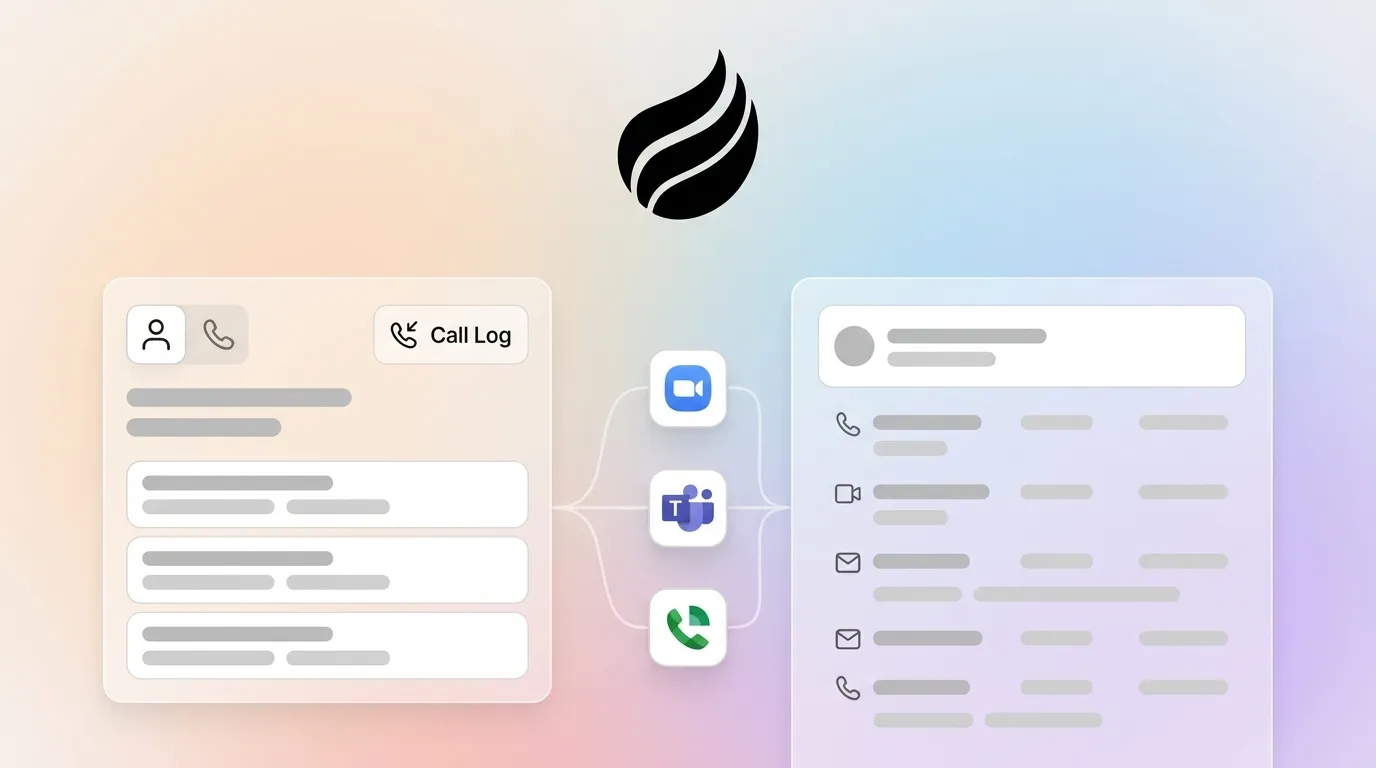
Log Calls From Zoom Phone, Teams, Google Voice, And Legacy PBX
Teams that already have a phone system often only need reliable HubSpot logging, and each platform follows a different path.
Zoom Phone
HubSpot’s native Zoom integration matches meeting and webinar participants to HubSpot contacts using email and enforces a strict one-to-one tenant mapping. The integration does not support Zoom Personal Meetings, and each user must connect their own Zoom account for cloud recordings and transcripts to sync.
After the August 31, 2026 meeting-record change described earlier, meetings recorded with HubSpot Notetaker or synced from Zoom now create only meeting records, while recordings made through HubSpot’s calling feature still create call records. Teams that relied on Zoom meetings to create call records must move those workflows to meeting-based triggers.
For Zoom Phone itself, phone webhook events have documented delivery failures in user-managed OAuth apps, especially for call queue-owned recordings where the payload returns an owner of type callQueue with no user_id. Integrations that resolve the call owner from that field cannot rely on it for queue-owned recordings.
Microsoft Teams
HubSpot’s Microsoft Teams transcript integration needs two Microsoft Teams admin center settings. Enable “Microsoft Graph access” under Transcript API access and “Include speaker information” under Configure. Organizations that set this up previously must repeat the steps to meet updated API requirements. Admins can also enable the setup with the “Enable Graph Transcript Access” PowerShell command. For webhook-based logging, Teams events can flow through Power Automate into the HubSpot REST API using OAuth 2.0 and Azure Logic Apps.
Google Voice
Google Voice integrates cleanly only within Google’s own ecosystem, and HubSpot connections require third-party tools. The practical approach uses the HubSpot Calls API or a Zapier zap triggered by a Google Voice event, with phone number normalization before contact lookup.
Legacy PBX
Legacy PBX systems need a webhook-to-Calls-API bridge. The integration writes to the HubSpot Calls API with hs_call_source set to INTEGRATIONS_PLATFORM. Contact matching relies on phone number, email address from calendar invites, and a rep-and-timestamp fallback when neither is available. Teams should expect 5 to 15% of calls to miss contact matching, usually cold outreach, new leads, or shared-line calls.
Use Free And Low-Cost Options For HubSpot Call Logging
HubSpot’s free calling tier provides 15 minutes per user per month and caps at 50 calls per account per month. Starter includes 500 calling minutes per account per month. These limits are pooled across the account, so a five-rep team on Starter shares 500 minutes.
Free paths have clear limits.
- Automatic deal association needs API work, but HubSpot’s associations API endpoints are available on all tiers. Free and Starter accounts can make 100 requests per 10 seconds, while Professional and Enterprise can make 150.
- HubSpot workflows require Professional or above, so disposition-based deal-stage updates and post-call sequences need a Professional seat.
- Transcript sync needs Sales Hub or Service Hub Professional or Enterprise.
Zapier’s free tier includes 100 tasks per month and only two-step Zaps, and HubSpot counts as a premium app that requires a paid plan. Middleware like Zapier and Make adds $20–$500+ per month, latency, and another system to maintain. For very small teams making far fewer than 50 calls per month, HubSpot’s free tier offers browser-based native calling with a small minute allowance and one phone number. Larger teams outgrow this quickly.
When A Per-Seat VoIP Integration Does Not Make Sense
Many vendors frame the decision as choosing a new VoIP provider, but the more useful lens is whether a per-seat phone integration is necessary at all.
If your phone system works and reps like it, the real issue sits in the logging layer. Every per-seat VoIP quote bundles logging into a new phone purchase and charges for infrastructure you already own.
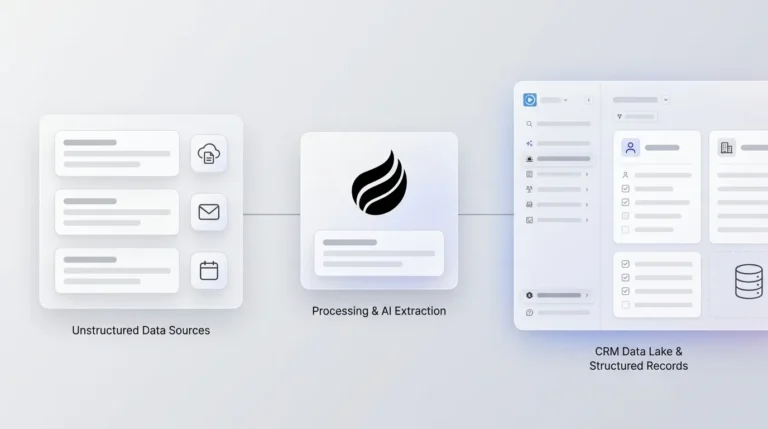
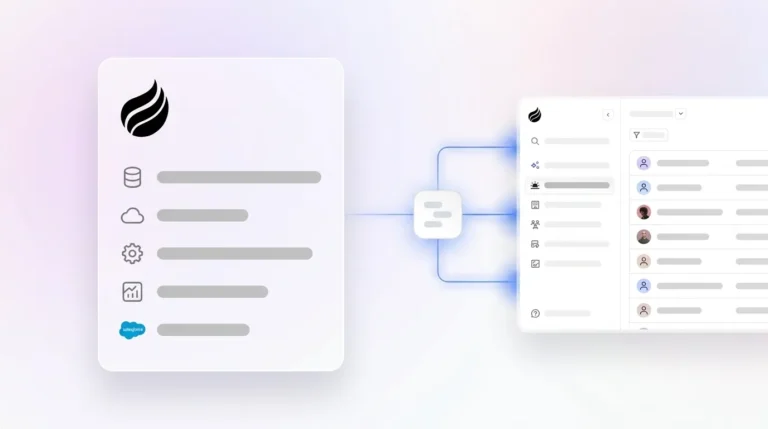
Coffee’s Companion App addresses the logging layer directly. It runs as an intelligent agent on top of your existing HubSpot instance and logs calls regardless of phone system. Coffee auto-creates and enriches contacts and companies, tracks “last activity” and “next activity,” and removes manual data entry. You keep your existing phone system and pay no per-seat VoIP fee.
Coffee is SOC 2 Type 2 and GDPR compliant. Pricing is seat-based with unlimited agent labor and no metering on logging volume or API calls. Integration uses simple authentication against your current HubSpot account.
For RevOps managers who own the CRM and inherited the phone system, Coffee avoids any need to renegotiate telephony contracts.
See Coffee’s Companion App running on your HubSpot instance.
Compare HubSpot Calls API And Native Phone Integrations
The main logging paths trade control for convenience. Native integrations set up quickly but follow vendor rules, while the Calls API takes longer to build and gives full control over identifiers and associations. The table below outlines setup time, association control, and per-seat cost. Cost figures reflect published pricing where available, and ranges reflect plan tiers.
| Path | Setup Time | Association Control | Per-Seat Cost (USD/month) |
|---|---|---|---|
| Native VoIP Integration (e.g., JustCall, Aircall) | Hours to days | Limited to vendor association logic; HubSpot-built apps follow default settings, not custom rules | $29–$89 (JustCall); $30–$50 (Aircall) |
| No-Code Connector (Zapier / Make) | Days | Flexible but constrained by Zapier’s single-step logic; edge cases need custom code | $20–$500+ (middleware) plus phone system cost |
| HubSpot Calls API (custom build) | Weeks to months | Full control over identifier mapping, deduplication, and association type IDs (194, 220) | Engineering cost; no per-seat logging fee |
| Coffee Companion App | Hours (simple authentication) | Autonomous logging across phone systems with automatic contact and company association | Seat-based with unlimited agent labor included — view Coffee pricing |
Control
Native integrations set up quickly but follow vendor association logic. JustCall logs SMS and voicemails to HubSpot, with voicemails logged as call activities and SMS logged as Timeline Events, Notes, or SMS Activity, configurable in HubSpot Workflow Settings. When the “Add call recording link to HubSpot” setting is enabled, Dialpad posts a link to the user’s call recording on the HubSpot activity, following Dialpad recording permissions. Neither exposes the full association type ID control available through the Calls API. The Calls API lets teams choose exactly which records a call attaches to by using association type IDs 194 and 220 with associationCategory: HUBSPOT_DEFINED.
Maintenance
DIY stacks built with Zapier and a basic call recorder usually fail on maintenance, not setup. Prompt logic drifts, HubSpot field changes break Zaps, and no dedicated support team exists to handle schema changes or silent failures. Native integrations shift maintenance to the vendor but tie you to their release cycle.
Association Accuracy
Accurate contact matching for call logging relies on three signals: normalized phone number, email from calendar invites, and a rep-and-timestamp fallback using open deals around the call time. The Calls API path supports all three signals. Most native integrations rely only on email or phone.
Pre-Launch Audit Checklist For Call Logging
Before you activate any call logging integration, run this quick audit.
- Clean existing workflows. Identify workflows triggered by call records that depend on the August 31, 2026 meeting-record behavior. Rebuild them with meeting-based triggers where needed.
- Map identifiers. Document the phone number format your VoIP system outputs, the email fields HubSpot will match, and the call ID that serves as the canonical deduplication key.
- Test association rules on a sample call. Log one test call and confirm it attaches to the correct contact, company, and deal. Verify association type IDs 194 and 220 appear instead of 195.
- Disable redundant integrations. If both a native VoIP app and a Zapier zap log calls, disable the extra path before launch.
- Verify no duplicate call logs after 24 hours. Run a HubSpot activity report filtered to the test contact and confirm one call record per call event.
Frequently Asked Questions
What Is The HubSpot Calls API?
The HubSpot Calls API lets developers create call engagement records programmatically on HubSpot CRM objects. It accepts call metadata such as duration, timestamp, recording URL, and transcript text written to the hs_call_body field. Set hs_call_source to INTEGRATIONS_PLATFORM for calls logged from external systems.
Association type IDs control which records the call attaches to: 194 for call-to-contact and 220 for call-to-deal, both with associationCategory set to HUBSPOT_DEFINED. Using 195 instead of 220 for deal associations fails silently. Required API scopes include crm.objects.contacts.read, crm.objects.contacts.write, crm.objects.deals.read, crm.objects.deals.write, crm.objects.calls.write, and crm.schemas.calls.read.
Can I Automate HubSpot Call Logging For Free?
HubSpot’s free tier includes 15 minutes per user per month of native calling and a cap of 50 calls per account per month. Automatic activity associations are available on the free tier, and by default a call first logged on a contact associates with the contact’s primary company and five most recent open deals.
The free path still has limits. Automatic deal association needs API work, but associations API endpoints are available on all tiers. Free and Starter accounts can make 100 requests per 10 seconds, and Professional and Enterprise accounts can make 150. Workflows for disposition-triggered deal-stage updates and post-call sequences require Professional or above. Transcript sync needs Sales Hub or Service Hub Professional or Enterprise. Zapier’s free tier includes 100 tasks per month and only two-step Zaps, and HubSpot requires a paid Zapier plan. For lead-working teams making more than 50 calls per day, HubSpot’s free plan works as a learning tool, not a production system, because it lacks built-in calling, sequences, SMS, and workflow automation.
What Is The Best Way To Automate HubSpot Call Activity Logging Without Switching Phone Systems?
Coffee’s Companion App gives teams a direct way to automate HubSpot call activity logging while keeping their current phone system and avoiding per-seat VoIP integration fees. It runs as an intelligent agent layer on top of your existing HubSpot instance, auto-creates and enriches contacts and companies, and logs “last activity” and “next activity” without manual work. Coffee is SOC 2 Type 2 and GDPR compliant, uses seat-based pricing with unlimited agent labor, and connects through simple authentication, so no phone migration is required.
Conclusion: Fix The Logging Layer Around Your Existing Phone System
Your calls already happen and the phone system already works. The gap sits between the call and the CRM record: identifier matching, association rules, deduplication, and the manual entry reps skip under quota pressure.
Teams that already use Zoom Phone, Teams, Google Voice, or a legacy PBX usually do not need a new phone system. They need a logging layer that captures every call reliably and associates it with the right records, regardless of which system placed the call.
Coffee’s Companion App focuses on that logging layer. It logs calls autonomously, associates them correctly, enriches records, and removes manual data entry that corrupts CRM data and wastes rep time, all while leaving your existing phone infrastructure in place.
Fix the logging layer without touching your phone system — start with Coffee.