
Written by: Doug Camplejohn, CEO & Co-Founder, Coffee | Last updated: September 19, 2026
Key Takeaways
- Legacy CRMs accumulate bad data because they accept whatever humans type, so cleanups often fail within a quarter.
- Standardize entry with picklists, validation rules, and minimal required fields to block bad data at the point of entry.
- Prevent duplicates at creation using matching rules on email plus company or name plus website in Salesforce or HubSpot.
- Assign a named owner for CRM data quality with monthly reviews of completeness, uniqueness, timeliness, and consistency metrics.
- Replace manual entry with Coffee, which captures and writes structured records automatically from emails, calendars, and call transcripts.
Start Capturing Records Automatically
How To Fix CRM Data Entry Problems
- Audit existing records for missing fields, duplicates, and stale entries. You need a baseline before you change anything else.
- Standardize entry rules with picklists and validation rules that block bad data at the point of entry. This is cheaper than cleaning it later.
- Reduce required fields to only what a process breaks without. Typically, that means two to five fields per object.
- Block duplicates at creation with matching rules on email plus company, or name plus website. This keeps the database clean as it grows.
- Assign one named owner for CRM data quality with a monthly review cadence. Clear ownership keeps hygiene work from drifting.
- Remove manual entry by deploying an agent that captures and writes records back automatically. This removes the main source of human error.
Why CRM Data Quality Breaks Repeatedly
Every recurring CRM data problem traces back to five root causes. Each one produces a continuous stream of bad data rather than a one-time mess.
Too Many Required Fields. When reps cannot know the answer at the point of entry, they type “asdf,” “Unknown,” or “n/a.” A field should only be required when the rep can actually know the answer at that stage in the process. Everything else belongs in a stage gate.
Free-Text Fields Where Picklists Belong. Every free-text field in a CRM will contain ten to fifteen variations of the same answer within six months of going live. “Toronto,” “toronto,” “Toronto, ON,” “GTA,” and “T.O.” become five different segments that no report can group.
No Point-Of-Entry Duplicate Blocking. Duplicate records enter the CRM continuously through form submissions, list imports, integration syncs, and manual data entry. Quarterly deduplication cannot keep pace with that ingress rate.
Unclear Ownership. When CRM data quality is everyone's responsibility, it becomes no one's responsibility. Sales assumes marketing will clean records before handoff, marketing assumes RevOps will standardize field formats, and RevOps assumes reps will enter data correctly.
No Measurement. Among teams actively working to improve their CRM processes, only 38 percent had evaluated how poor data quality affects those processes, according to Forrester research. A data health metric makes decay visible before a forecast goes wrong.
CRM data decays at approximately 30 to 34 percent per year without active enrichment and verification. For a 50,000-contact database, that means 15,000 to 17,000 records become inaccurate in a single year, regardless of how clean the last cleanup left them.
What Are The Most Common Data Entry Errors In A CRM?
Those five root causes produce a predictable set of errors. The errors themselves are familiar, but the system gaps that produce them are what most cleanup projects miss.
Duplicates are created by the absence of point-of-entry matching rules. A rep logging a company as “Acme Corp.” while another imports “ACME Corporation” creates two non-identical records that exact-match deduplication will not catch without fuzzy matching.
Missing Fields result from over-constrained required-field lists that reps learn to game, or under-constrained forms that allow records to be saved without critical data. 62 percent of CRM records are missing a critical field.
Stale Records accumulate when there is no maintenance cadence. A contact marked MQL in Q1 can still appear in the pipeline report in Q4 because no process exists to catch the drift.
Inconsistent Formatting is produced by free-text fields. Phone numbers, country names, and job titles each generate dozens of variants that break segmentation and automation.
Misassociated Activities occur when reps log calls or emails against the wrong record, or skip logging entirely. 76 percent of CRM users say less than half of their organization's data is accurate and complete.
Standardize CRM Fields Without Over-Constraining Reps
Standardization fails in two directions: too loose and too tight. The goal is structured inputs at the point of entry with the minimum friction necessary.
In Salesforce, replace free-text fields with picklist field types for any value that feeds a report, filter, or automation. Use Salesforce validation rules for conditional requirements. For example, require a close date only when stage equals “Proposal Sent.” Do not make fields universally required. Page-layout requirements are UI-only; validation rules apply on every save path including API, integration, and mass upload. Salesforce's Trailhead data-quality module covers validation rule formulas in detail.
In HubSpot, configure property validation rules via Settings → Properties → [Property Name] → Rules tab. HubSpot validation rules enforce acceptable values on a property, including format requirements, length limits, and allowed values, and apply both in the CRM UI and on import. Use dropdown select field types for anything reportable. Use single-line text only for genuinely unique values like names and URLs. Keep required fields to the minimum a record needs to be routable and reportable, typically two or three fields on contacts, two or three on companies, and four or five on deals. Push everything else to stage-based requirements.
This is where an agent like Coffee becomes invaluable. The Coffee Agent captures structured data from emails and calendars automatically, so reps never type into a free-text field. Contacts, companies, and activities are created and enriched without human entry. That automation eliminates the formatting inconsistencies that validation rules usually catch after the fact.

How To Prevent Duplicate Records At The Point Of Entry
Post-hoc deduplication is a recurring cost. Point-of-entry duplicate blocking is a one-time configuration that prevents the problem from entering the system.
In Salesforce, duplicate prevention requires two coupled components: a Matching Rule and a Duplicate Rule. The matching rule defines the comparison logic that decides whether two records are similar enough to count as duplicates, and the duplicate rule decides what happens next, such as Block, Allow with alert, or Allow with report.
The recommended configuration for B2B orgs, per EverestX's Salesforce data quality guide:
- Account Matching Rule: Account Name (fuzzy) + Website (exact domain match)
- Contact Matching Rule: Email (exact) + First Name (fuzzy)
- Lead Matching Rule: Email (exact)
- Duplicate Rule Action: Allow with alert on Create; Allow with report on Edit
Salesforce's fuzzy matching handles first-name nicknames, last-name phonetic variations, and address abbreviations, but does not offer fuzzy matching for email fields, which are treated as exact matches. Note that Apex inserts bypass duplicate rules entirely unless the code explicitly opts in via DMLOptions.DuplicateRuleHeader. That behavior is the single largest cause of duplicate rules failing silently.
In HubSpot, navigate to Settings → Properties and enable “Require unique values” for the Email property. HubSpot allows up to ten unique value properties per object, configured only during property creation. Use property validation rules to enforce format constraints on email and phone fields. That step reduces near-duplicate creation from formatting variants.
The Coffee Agent removes this problem at the source. When Coffee writes records back to Salesforce or HubSpot via the Companion App, it creates and enriches contacts, companies, and activities from verified data captured from emails and calendars. Duplicates are prevented at ingestion instead of detected after creation.

Who Should Own CRM Data Quality?
The missing accountability layer in most CRM deployments is a named owner. Assigning one named individual ownership of data quality, with authority to set standards, enforce them, and review compliance, is the single most impactful structural change for most teams and does not require a full-time role.
The named owner should be the RevOps lead or sales ops manager. Their responsibilities are not a full-time job. They form a monthly habit built around four data-quality metrics:
- Completeness: What percentage of critical fields are populated across active records?
- Uniqueness: What is the current duplicate rate on Contacts, Accounts, and Leads?
- Timeliness: How many records have had no activity update in the past 90 days?
- Consistency: Are picklist values being used as intended, or are “Other” and blank dominating?
Review these four metrics monthly. A named owner for CRM data quality is the difference between a hygiene process that holds and one that dissolves back into shared responsibility within 60 days. Pair the monthly review with a quarterly duplicate audit and a quarterly validation rule review to catch drift before it compounds.
From Manual Entry To Agent Capture
The six fixes above reduce the damage that manual entry causes. The endpoint is removing manual entry from the path entirely.
The average seller spends 40 percent of their time actually selling, while 60 percent goes to non-selling tasks such as CRM data entry, internal approvals, and searching for pitch decks, according to Salesforce's State of Sales 2026 report. The 2026 Forrester Activity Study tracked 3,031 sales reps and found that the average rep spends 6.8 hours per week on CRM data entry alone. That time equals nine full work weeks per year per rep.

Note-taking AI tools and record-writing agents do different jobs. Note-taking tools produce transcripts. Record-writing agents create and enrich contacts, companies, and activities, then write structured data back to CRM fields without human intervention. Sales AI assistants vary widely in capability, with some only recording calls and syncing notes to the CRM, and others capturing insights and updating deal and forecasting pipelines.
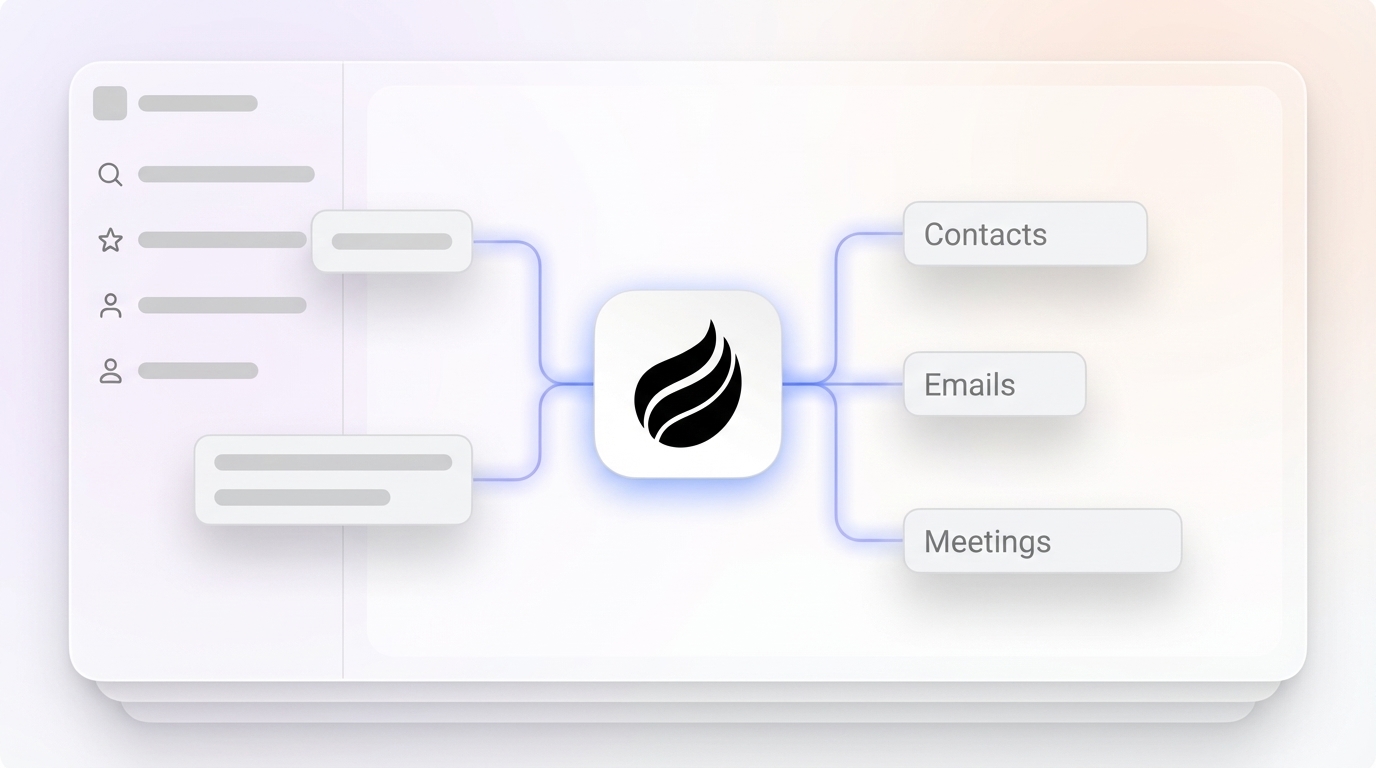
The Coffee Agent is a record-writing agent. It ingests emails, calendar events, and call transcripts, then uses that source data to create and enrich contacts, companies, and activities automatically. Because it logs last and next activity on its own, deal state stays current without rep input. Those records flow back to Salesforce or HubSpot via the Companion App, or into the Standalone AI-First CRM for SMBs that have outgrown spreadsheets but find legacy CRMs to be expensive maintenance burdens. Coffee is SOC 2 Type 2 and GDPR compliant and does not use customer data to train public models.

The table below compares how each capture method handles record write-back, duplicate prevention, and ownership. Use it to see how an agent-led model changes day-to-day work for your team.
| Data Capture Method | Record Write-Back | Duplicate Prevention | Ownership Model |
|---|---|---|---|
| Coffee Agent captures from emails, calendars, and call transcripts automatically | Writes contacts, companies, and activities directly to Salesforce or HubSpot via Companion App, or to the Standalone CRM | Records are created from verified source data, so duplicates are prevented at ingestion rather than detected after creation | Agent-led; the Coffee Agent owns the data-entry task, not the rep |
| Note-Taking AI records and transcribes calls. Otter.ai's CRM field write-back uses template-based custom field mapping to Salesforce Opportunities and HubSpot Deals, but its custom field sync is currently limited to text fields on Opportunities and Deals objects | Partial; produces transcripts and summaries, and structured field-level write-back requires manual review or additional configuration | None; note-taking tools do not evaluate records against existing CRM data at ingestion | Rep-assisted; the rep must review and confirm CRM updates |
| Manual Entry where the rep types data into CRM fields after calls, meetings, and emails | Full, but dependent on rep compliance. 71 percent of sales professionals name data entry as their biggest CRM frustration | Dependent on Salesforce Duplicate Rules or HubSpot unique-value settings being active and correctly configured | Rep-owned; data quality degrades with rep workload and motivation |
Frequently Asked Questions About CRM Data Entry
What Is CRM Data Entry?
CRM data entry is the manual typing or selecting of data in CRM fields. It includes logging calls, updating contact records, entering deal information, writing meeting notes, and any manual data transfer between systems. It remains the primary mechanism by which legacy CRMs are populated, and it is the primary source of data quality problems because it relies on busy humans to enter accurate, consistent, and complete information under time pressure.
Why Does CRM Data Quality Decay After A Cleanup?
A cleanup removes existing bad data but leaves the underlying entry friction in place. Free-text fields continue generating formatting variants. Required fields that reps cannot answer at the point of entry continue receiving junk values. Duplicate records continue entering through form submissions, imports, and integration syncs. Without changes to the system architecture, such as validation rules, picklists, duplicate blocking, and a named owner, the same conditions that produced the original mess reproduce it within a quarter. CRM data also decays naturally as contacts change jobs, companies restructure, and email addresses go dormant, which follows the same annual decay rate mentioned earlier.
Can AI Write Records Back To Salesforce Or HubSpot?
AI can write records back to Salesforce or HubSpot when it functions as a record-writing agent. The Coffee Agent writes records back to Salesforce or HubSpot via the Companion App, creating and enriching contacts, companies, and activities without human entry. It ingests structured data from emails and calendars and unstructured data from call transcripts, then writes the results to CRM fields automatically. This behavior differs from most note-taking AI, which produces transcripts and summaries and typically requires a rep to review and confirm field-level updates before they reach the CRM.
Is CRM Difficult To Learn?
Legacy CRMs feel difficult because they require reps to serve the software. Reps must log every interaction, update every field, and maintain record hygiene as a parallel job on top of selling. An agent-led CRM removes the admin burden by handling data capture, enrichment, and activity logging automatically. Adoption becomes far easier because reps are no longer asked to be data entry clerks. The agent handles that work, and reps interact with a system that already reflects their activity accurately.
Conclusion
CRM data entry problems are a system-design failure. Each of the six fixes in this guide can be implemented manually: audit your records, replace free-text fields with picklists, reduce required fields to what processes actually need, configure duplicate blocking at the point of entry in Salesforce or HubSpot, assign a named owner with a monthly review cadence, and measure completeness, uniqueness, timeliness, and consistency on a regular schedule.
Those fixes reduce the damage that manual entry causes. Teams that eliminate recurrence entirely are the ones that remove the human from the entry path. The Coffee Agent captures activity from emails, calendars, and call transcripts, writes structured records back to Salesforce or HubSpot automatically, and ensures that the data going into your CRM is accurate before it ever touches a field. As a result, the data coming out is reliable enough to act on.


