Written by: Doug Camplejohn, CEO & Co-Founder, Coffee | Last updated: July 31, 2026
Key Takeaways for AI-Driven Sales Teams
- Circleback acts as a meeting-assistant layer that joins calls and pushes summaries into existing CRMs while leaving non-meeting data entry to reps.
- Lightfield serves as an AI-native CRM replacement designed for early-stage teams willing to move away from Salesforce or HubSpot entirely.
- Coffee operates as an autonomous agent that removes manual entry across emails, calendars, calls, and enrichment whether deployed standalone or as a companion layer.
- Teams save 8–12 hours per week with Coffee because the agent creates contacts, logs activities, and enriches records without rep intervention.
- Eliminate manual CRM busywork with Coffee’s autonomous agent and reclaim hours for selling.
Evaluation Criteria for This Comparison
This comparison uses six core criteria to keep the decision process clear and practical.
- Data quality and automation depth
- Implementation effort and maintenance
- Workflow fit with or without an existing CRM
- Integration complexity
- Reporting visibility
- Long-term scalability
Quick Comparison Table
| Criterion | Circleback | Lightfield | Coffee |
|---|---|---|---|
| Data quality and automation depth | Automates post-meeting summaries and CRM field pushes, and the biggest hurdle remains getting AI to fill CRM fields accurately without rep review. | AI-native architecture captures emails, calls, and pipeline movements in real time, and enables natural-language pipeline queries and deep historical backfill. | Autonomous agent ingests emails, calendars, and call transcripts to auto-create contacts, log activities, and enrich records, with zero manual entry by design. |
| Implementation effort | Low, connects to existing CRM via OAuth in hours. | Moderate, requires full CRM migration and data backfill. | Low for Companion with OAuth to Salesforce or HubSpot, moderate for Standalone as a new system of record. |
| Workflow fit | Requires an existing CRM and adds a meeting layer only. | Replaces the CRM entirely with no companion mode. | Works as a standalone CRM or as a companion on Salesforce or HubSpot. |
| User adoption | High for meeting-centric reps, and teams often cut weekly CRM update time significantly. | Requires full workflow migration, so adoption risk is higher for teams with established Salesforce or HubSpot habits. | Agent handles busywork autonomously, so reps work with a co-pilot instead of a database and reclaim the time savings outlined earlier. |
| Integration complexity | Native sync to Salesforce and HubSpot, yet remains a notetaker without a workspace layer for maintaining customer records. | Self-contained, with limited deep integration into Salesforce or HubSpot quotas and forecasting. | Deep Salesforce and HubSpot sync via Companion, with broader tool connections currently via Zapier and deeper integrations on the roadmap. |
| Reporting visibility | Provides meeting-level summaries and CRM field updates, while pipeline reporting depends on the underlying CRM. | Supports natural-language pipeline queries and provides deep historical backfill of data. | Pipeline Compare tracks week-over-week deal changes automatically, and a built-in data warehouse preserves full history. |
| Long-term scalability | Scales with the underlying CRM and does not replace it. | Built for early-stage startups and designed for teams that want to query pipeline with simple prompts. | Scales from solo founders to mid-market teams, and the Companion model preserves Salesforce or HubSpot investment. |
Understanding these criteria sets the stage for the next step, which is how quickly each tool can start delivering value in the real world.
Setup and Onboarding for Each Platform
Circleback fits teams that already run Salesforce or HubSpot and want meeting intelligence without touching the CRM architecture. Initial CRM connection and field mapping takes 2–4 hours with the right permissions, while full validation and team rollout require 1–2 weeks once data cleanup and change management are included.
Lightfield fits teams that are pre-CRM or actively replacing a legacy system and want an AI-native platform with historical backfill. Teams should expect a full migration timeline. Data cleanup and standardization before AI automation typically take 2–4 weeks and are required to prevent the primary cause of AI sales implementation failure, which is poor data quality.
Coffee fits teams that want zero manual entry while keeping or replacing their existing CRM. The Companion App connects to Salesforce or HubSpot via simple OAuth authentication and starts syncing immediately. The Standalone CRM serves teams that have outgrown spreadsheets and want an agent-managed system of record from day one. Small teams of 5–25 reps typically achieve 20–30% time savings on manual tasks within 90 days from AI-powered tools, with successful deployments showing productivity gains within 2–3 weeks when starting with tools that save reps 30 or more minutes daily.
Data Capture and Ongoing Maintenance
The data entry grind sits at the center of the problem for most sales teams. Many reps identify note-taking and data input as highly time-consuming tasks, with administrative work often occupying a substantial portion of their workweek.
Circleback reduces post-meeting admin by pushing summaries and action items into CRM fields, yet insight tools provide transcripts and summaries while leaving manual CRM updates to reps for anything that happens outside a recorded meeting. Contact creation, email logging, and enrichment stay manual.
Lightfield automates capture within its own system but does not operate as a companion to Salesforce or HubSpot. Teams committed to those platforms must complete a full migration before they can use Lightfield.
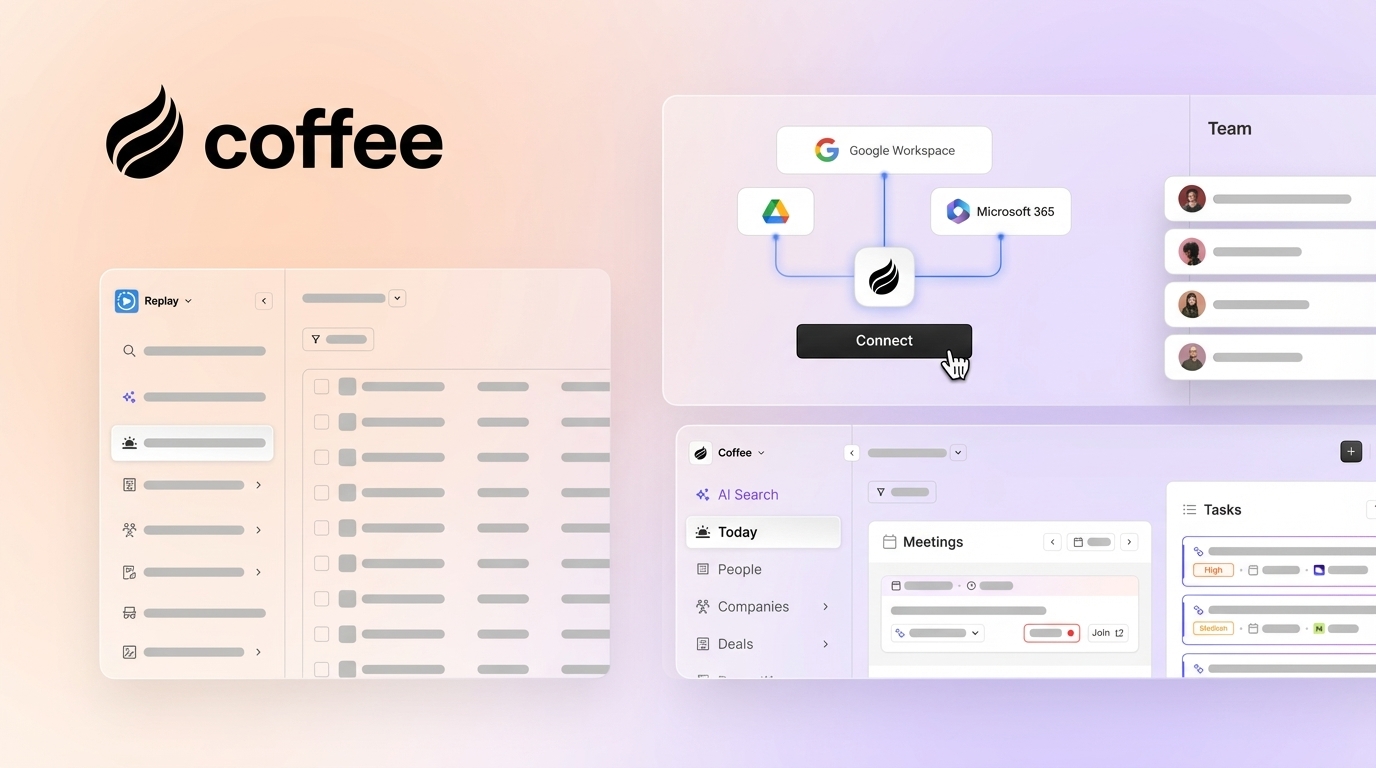
Coffee’s autonomous agent connects to Google Workspace or Microsoft 365 and scans emails and calendars to auto-create contacts, log activities, and enrich records with job titles, funding data, and LinkedIn profiles. Every note and interaction links to the correct record automatically. The agent also joins calls via Zoom, Teams, or Meet, generates post-call summaries, identifies next steps, and drafts follow-up emails without rep intervention.

Usability for Frontline Reps
Sales teams spend up to two-thirds of their time on non-selling activities such as manually updating Salesforce, logging call notes, and scheduling follow-ups. Adoption rises when tools remove friction instead of adding new steps.
Circleback sees strong adoption from reps who live in meetings because it removes post-call admin, while those same reps still maintain the CRM manually outside of meetings. Lightfield asks reps to abandon familiar interfaces, which creates adoption risk during the transition period. Coffee’s agent handles the busywork autonomously and delivers the time savings outlined earlier, so reps interact with a co-pilot that serves them rather than a database they must serve.

Manager Visibility and Pipeline Intelligence
Circleback surfaces meeting-level data inside the underlying CRM, and pipeline reporting quality still depends on how well reps maintain that CRM outside of meetings. Lightfield enables natural-language pipeline queries and provides historical backfill, which helps early-stage teams build their first system of record.
Coffee’s Pipeline Compare feature visualizes week-over-week deal changes automatically, highlighting progressed deals, stalled opportunities, and new additions, because the agent captures full history in a built-in data warehouse. Teams that deployed AI meeting assistants with native CRM syncing have reported improvements in forecast reliability and deal velocity. Coffee extends that benefit across the entire data lifecycle, not just meetings.
Integration Complexity and Tech Stack Fit
Circleback integrates natively with Salesforce and HubSpot for meeting data but remains a notetaker without a workspace layer for maintaining customer records, so enrichment, prospecting, and outreach tools stay as separate subscriptions. Lightfield is self-contained but does not offer deep integration with Salesforce or HubSpot quotas, forecasting, and required fields that established sales orgs rely on.
Coffee’s Companion App reflects a deep understanding of Salesforce and HubSpot architecture, including quotas, forecasting, and required fields, which newer AI-native CRMs often underestimate. Broader tool connections currently run via Zapier, with deeper integrations on the roadmap. Sales teams with integrated AI stacks often achieve better data utilization compared to those using disconnected tools.
Pricing and Implementation Reality Checks for 2026
Coffee uses simple seat-based pricing, so you pay for human seats and the agent’s labor is included with no metering on LLM usage or processes. Companies can experience per-user licensing cost increases when moving from base SaaS CRM plans to higher tiers required for reporting, automation, and AI features, which creates a hidden cost that seat-based pricing avoids.
Circleback adds a per-seat meeting-assistant cost on top of existing CRM licensing. Lightfield replaces the CRM license but introduces migration costs and the operational overhead of moving a system of record. All-in-one AI sales platforms require 2–4 weeks setup time at $500–2K per month, while best-of-breed stacks require 4–8 weeks with medium integration expertise at $1K–5K per month.
Scenario-Based Best-Fit Guidance by Team Profile
Team size and existing infrastructure create natural decision boundaries for these tools. Early-stage teams without a CRM face different choices than mid-market orgs locked into Salesforce or HubSpot.
Early-stage teams (1–10 people, no existing CRM) benefit most from Coffee Standalone. The agent manages the system of record from day one and removes the need to buy a CRM and a meeting assistant separately.
As teams grow to 10–30 people and start evaluating whether to adopt or replace a CRM, the decision shifts from pure automation to long-term architecture. Growing sales orgs in this range should evaluate Lightfield if they want a fully AI-native system and have no Salesforce or HubSpot dependency. Coffee Standalone serves as the alternative for teams that want agent-managed data with built-in prospecting, outreach campaigns, and visitor identification in one platform.
Many teams at this stage already rely on Salesforce or HubSpot and cannot absorb the disruption of a full migration. Teams committed to Salesforce or HubSpot can use Circleback to add meeting intelligence without disrupting the existing stack. Coffee Companion goes further by eliminating manual entry across the entire data lifecycle, including emails, calendars, calls, and enrichment, while writing accurate data back to the existing CRM.
Operational and Long-Term Considerations
Circleback requires ongoing ownership of the underlying CRM’s data hygiene. Meeting data improves, yet contact records, enrichment, and non-meeting activity logs remain a human responsibility. B2B data decays at a rate of 22.5% to 70.3% annually, directly degrading the relevance of AI-generated recommendations if CRM records are not maintained.
Lightfield’s long-term scalability depends on whether its architecture can support the complexity of a growing sales org, including custom fields, approval flows, and forecasting models. Teams that outgrow it face another migration.
Coffee’s data warehouse architecture preserves full historical context, which legacy relational databases lose when fields are updated. The Companion model protects the Salesforce or HubSpot investment while the agent handles data quality. AI-augmented sales reps generate $1.75M in revenue per rep compared to $1.24M for traditional reps, a 41% lift, when proper data foundations and phased adoption are in place.
Risks, Limitations, and Common Misconceptions
Circleback risk profile centers on its narrow focus on meetings.
- Circleback does not eliminate manual CRM entry outside of meetings.
- Most AI meeting assistants limit cross-meeting search to transcripts only and do not index Slack threads, emails, or full CRM records, which restricts visibility.
- Adding a meeting layer on top of a poorly maintained CRM does not fix the underlying data quality problem, so reporting issues often persist.
Lightfield risk profile reflects its role as a full CRM replacement.
- Lightfield requires full CRM migration, so teams with established Salesforce or HubSpot workflows face significant change management overhead.
- Newer AI-native CRMs often lack the depth of Salesforce or HubSpot integrations, including quotas, forecasting, and required fields, that mid-market teams depend on.
- No companion mode exists, so teams cannot adopt it incrementally.
Coffee risk profile focuses on integration scope and fit for larger orgs.
- Broader third-party tool integrations currently run via Zapier, so teams with complex custom API requirements should review the integration roadmap.
- Coffee is not designed for large enterprises with heavily customized Salesforce orgs or regulated industries requiring multi-year security reviews.
- The Standalone CRM is optimized for teams of 1–20, and larger orgs should evaluate the Companion model instead.
Decision Framework Checklist
Use these constraints to narrow the right category before you compare specific tools.
- If your team is committed to Salesforce or HubSpot and cannot migrate, remove any tool that requires a full CRM replacement.
- If manual entry happens primarily outside of meetings, such as email, enrichment, and activity logging, a meeting-assistant layer alone will not solve the problem.
- If your team has fewer than 20 people and no existing CRM, evaluate whether a standalone AI-native system removes the need for multiple point solutions.
- If data hygiene is the root cause of poor forecasting, prioritize tools that automate the data-in process rather than tools that only improve data-out reporting.
- If implementation bandwidth is limited, a single AI workflow such as contact creation and activity logging takes 2–4 weeks to implement with an existing platform and a clear owner, so scope accordingly.
- If security compliance is a requirement, confirm SOC 2 Type 2 and GDPR status before shortlisting any tool.
Frequently Asked Questions
How long does it take to implement Coffee compared to a full CRM replacement?
Coffee’s Companion App connects to Salesforce or HubSpot via OAuth authentication and begins syncing data immediately. Most teams complete initial setup within a few hours and see the agent logging contacts and activities within the first day. The Standalone CRM follows a similar timeline for small teams that are starting fresh. A full CRM replacement, such as migrating to Lightfield, requires data export, cleanup, backfill, and change management, which typically adds several weeks to the process. Coffee’s dual-model design lets teams gain speed without giving up flexibility.
Does Coffee require internal technical expertise to maintain?
No dedicated technical resource is required for standard deployment. The agent connects to Google Workspace or Microsoft 365 via standard authentication and handles data unification, enrichment, and logging autonomously. RevOps or sales ops admins manage the configuration. Teams that want to extend Coffee via API, for example to script custom briefings, can do so, but that work is optional for core functionality.
What happens to existing CRM data when Coffee is deployed as a Companion?
The Coffee Companion App does not replace or overwrite existing Salesforce or HubSpot data. It authenticates into the existing instance, enriches records, logs new activities, and writes insights back to the CRM while historical records remain intact. The agent improves data quality from the point of connection forward, and enrichment fills gaps in existing contact and company records using licensed data partners.
How does Coffee handle data security and compliance?
Coffee is SOC 2 Type 2 and GDPR compliant. Data processed by the agent is not used to train public models. For teams in regulated industries or enterprises requiring multi-year security reviews, Coffee recommends confirming that its current compliance posture meets those specific requirements before proceeding.
Can Coffee replace tools like ZoomInfo, Gong, and Salesloft simultaneously?
Coffee consolidates several point-solution functions into a single agent, including contact and company enrichment that replaces ZoomInfo or Apollo for most use cases, meeting recording and transcription that replaces Gong or Fathom for call intelligence, and multi-step email sequencing that replaces Outreach or Salesloft for outbound campaigns. The Lead Finder feature builds targeted prospect lists via natural language search, and Campaigns runs AI-generated email sequences from the rep’s own mailbox. Teams that require the full depth of a dedicated enterprise tool in any one category should compare Coffee’s coverage against their specific requirements, yet most 5–30-person teams find the consolidated agent removes the need for three to five separate subscriptions.

Conclusion: Choosing the Right AI Sales Stack for 2026
Circleback, Lightfield, and Coffee tackle the data entry grind from three different angles. Circleback reduces post-meeting admin for teams that already have a CRM and want meeting intelligence without disrupting their stack. Lightfield replaces the CRM entirely for early-stage teams that want an AI-native system of record with no legacy baggage, yet neither tool eliminates manual entry across the full data lifecycle.
Coffee’s autonomous agent is the only option in this comparison that operates across both models, standalone and companion, and handles data capture from emails, calendars, enrichment sources, and call transcripts without requiring rep intervention at any step. With 60% of rep time currently consumed by non-selling tasks, the tool that removes the most admin without forcing a migration or adding a new silo delivers the clearest ROI for AI-forward sales teams in 2026.