
Written by: Doug Camplejohn, CEO & Co-Founder, Coffee | Last updated: July 31, 2026
Key Takeaways for Free MEDDIC Tools
- HubSpot Free CRM, MEDDIC Academy Google Sheet, and Claap template are the most practical free MEDDIC tools, but each needs ongoing manual updates.
- Free-tier options lack automation, so CRM data quickly becomes outdated, incomplete, or inaccurate without consistent human enforcement.
- Teams of 5–20 reps can combine HubSpot custom properties, a Google Sheet scoring rubric, and weekly deal reviews to keep MEDDIC discipline on track.
- At 20+ reps, the compounding cost of stale qualification data typically exceeds the savings of a free stack, so agent-based automation becomes the next logical step.
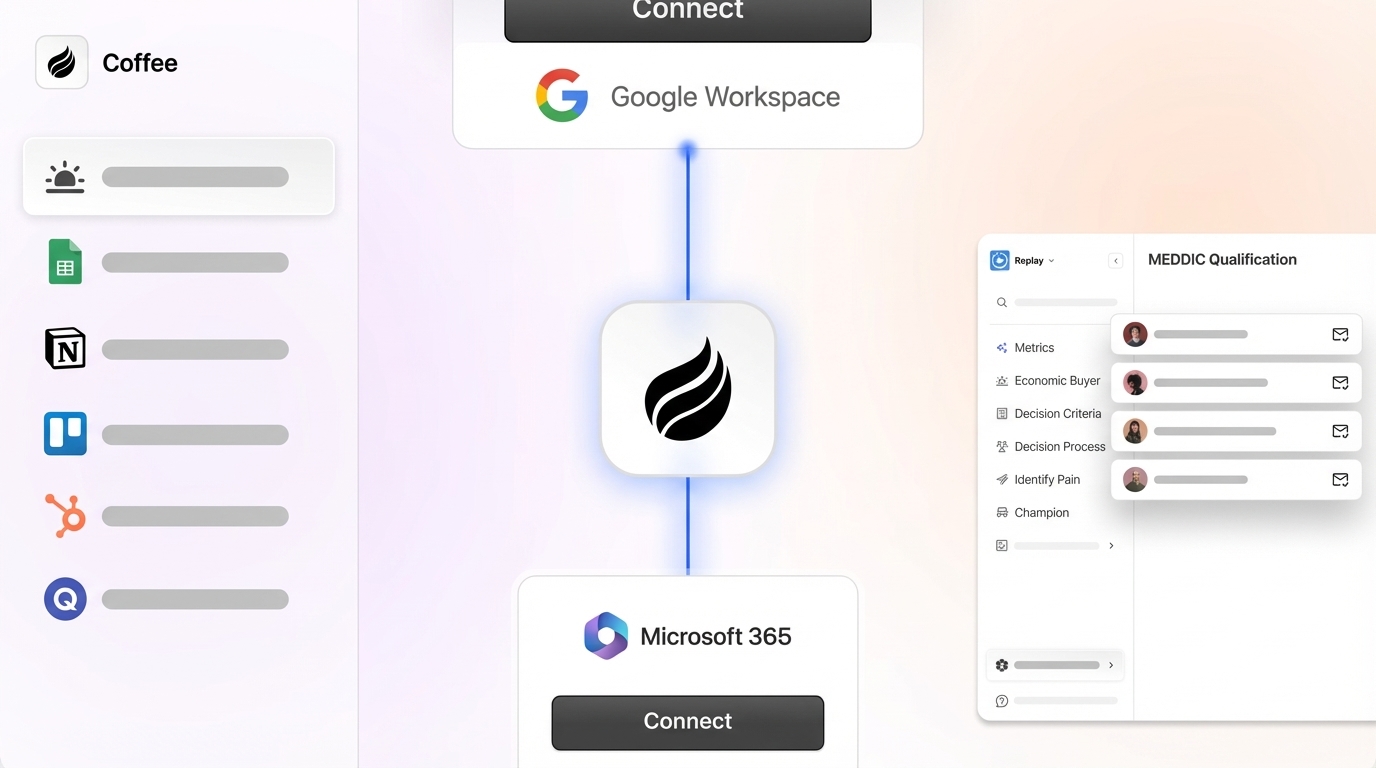
- Ready to eliminate manual MEDDIC updates? See Coffee’s automated qualification pricing.
Comparison: Best Free MEDDIC Qualification Tools for SaaS Teams
The table below scores five tools across four criteria. Every figure is cited inline. Tools are compared on a shared scale where automation depth runs from None to Partial to Full.
| Tool | Free-Tier Limits (2026) | CRM Integration Effort | MEDDIC Field Coverage & Automation Depth |
|---|---|---|---|
| HubSpot Free CRM | Unlimited contacts and deals, Data Sync available on all plans including free, but custom field mapping requires a paid Data Hub subscription | Low, native; custom MEDDIC properties added via Settings > Properties > Deal Properties | All 6 elements coverable via custom properties, automation depth: None on free tier, advanced workflow features require a paid Sales Hub plan. Honest drawback: reps often skip updates because manual entry is time-consuming |
| MEDDIC Academy Free Google Sheet | Light version of MEDDPICC Score Calculator publicly accessible, The MEDDPICC App is available separately for $9.99/month or $95/year, and the Score Calculator spreadsheet is provided as a tool without requiring the Advanced MEDDPICC course | High, no native CRM connector, data must be copied manually into HubSpot or Salesforce fields | All 6 MEDDIC elements scored, automation depth: None. Honest drawback: UK B2B contact data decays at roughly 25 to 30% per year on average across all channels, so a static sheet becomes unreliable by negotiation stage |
| Claap MEDDIC Google Sheets Template | Free editable Google Sheet, no usage cap or login required | High, tool-agnostic, paste values into CRM manually or via Zapier (free tier: 100 tasks/month) | All 6 elements with dedicated rows, automation depth: None. Honest drawback: no scoring formula built in, so teams must define and maintain their own rubric |
| Weflow Free Tier | Free tier web app, positioned as an alternative to paid Salesforce-native automation, specific seat or workspace caps not publicly documented as of July 2026 | Medium, connects to Salesforce, free tier scope of write-back is limited | Supports MEDDIC field capture from conversations, automation depth: Partial. Honest drawback: full automation requires a paid plan, and the free tier functions primarily as a structured note-taking layer |
| Laxis MEDDIC Template | Free copy-paste worksheet, no login or usage cap | High, paste into any spreadsheet, doc, or CRM note field manually | All 6 elements with a 1–3 traffic-light scoring system, automation depth: None. Honest drawback: requires re-scoring at every weekly deal review to avoid stale data |
Among the five tools compared above, HubSpot Free CRM offers the strongest foundation for teams already using HubSpot or starting from scratch, because it provides native CRM integration and unlimited deals without external spreadsheet maintenance. The steps below show how to configure it.
Step-by-Step: Add MEDDIC Fields to HubSpot Free in 2026
These steps configure HubSpot Free CRM to capture all six MEDDIC elements as structured deal properties, enforce stage-exit criteria, and produce a basic completeness score without a paid plan.
- In HubSpot, navigate to Settings > Properties > Deal Properties and click Create property. Use dropdown or 1–3 score fields (Not identified / In progress / Confirmed) rather than free text for Metrics, Economic Buyer, Decision Criteria, Decision Process, Identify Pain, and Champion, for six properties total.
- For Economic Buyer and Champion, create a Contact association label property (type: Contact) so the field links to a named person rather than storing a text string. Lookup fields to Contact for Economic Buyer and Champion are the recommended CRM field type.
- Create a seventh deal property named MEDDIC Score (type: Number). Instruct reps to manually add 1 point for each element marked Confirmed. Deals scoring below 4 out of 6 at Stage 3 or later should trigger a coaching conversation.
- Add all seven properties to your Deal record layout via Settings > Objects > Deals > Record Customization so they appear on every deal without opening a secondary tab.
- To enforce stage-exit criteria without a paid workflow, use HubSpot’s required fields feature on deal stages. Go to Settings > Objects > Deals > Pipelines, click the stage, and mark Economic Buyer and Identify Pain as required before advancing. HubSpot conditional properties can require specific MEDDIC fields before deals advance to late-stage pipeline steps such as Proposal or Evaluation.
- Run weekly pipeline reviews using targeted questions rather than open-ended status checks. Replace generic questions with ones such as “Who is the Economic Buyer and when did you last speak with them?”
Using the MEDDIC Academy Score Calculator with Manual Tracking
The MEDDIC Academy free Google Sheet provides a structured scoring baseline without any software purchase. The steps below set it up and show where manual tracking diverges from automated scoring.
- Open the MEDDIC Academy free MEDDPICC Score Calculator Google Sheet and click File > Make a copy to save it to your own Google Drive.
- For each active deal, create one tab (or one row in a master sheet) and score each MEDDIC element using the sheet’s built-in scale. The free version provides a light scoring calculator, and The MEDDPICC App is available separately for $9.99/month or $95/year, and the Score Calculator spreadsheet is provided as a tool without requiring the Advanced MEDDPICC course.
- After scoring, copy the element scores manually into the corresponding HubSpot or Salesforce custom fields created in the previous section. This copy step creates the primary maintenance burden.
- Schedule a recurring calendar event, weekly for active deals and bi-weekly for early-stage deals, to re-score each tab. Re-score MEDDIC fields whenever a deal experiences a meaningful change, such as any update to stage, close date, or amount.
On accuracy, the Google Sheet captures rep-entered scores, which are subjective. Qualification evidence should come from conversations, call recordings, and email threads rather than reps filling CRM forms from memory after meetings. Manual tracking introduces recall bias that automated transcript extraction removes.
Recommended Free MEDDIC Stack for 5–50 Rep SaaS Teams
No single free tool covers all six MEDDIC elements with CRM integration and enforcement. The combination below layers tools in integration order to reduce manual duplication.
- Foundation, HubSpot Free CRM: Create all six MEDDIC custom properties plus the MEDDIC Score number field. Set required fields on Stage 3+ transitions for Economic Buyer and Identify Pain.
- Scoring reference, MEDDIC Academy Google Sheet (copied per deal): Use as the scoring rubric during discovery calls. Transfer scores to HubSpot after each call.
- Deal review template, Laxis MEDDIC Template or Claap Google Sheet: Paste into a shared Google Doc linked from each HubSpot deal record. Apply the weekly re-scoring cadence established in the previous section. Apply a forecasting rule that deals must reach a minimum score with no red scores on Economic Buyer or Champion to enter the commit forecast.
- Sync layer, HubSpot Data Sync + free Zapier (100 tasks/month): Use HubSpot Data Sync, available on all plans including free, to keep contact and company records aligned. Use Zapier’s free tier to push Google Sheet score updates to HubSpot deal fields when a cell changes.
- Enforcement, weekly deal review cadence: Structure weekly deal reviews around MEDDIC rather than treating it as a one-time training exercise. Flag any deal at Stage 3+ with a MEDDIC Score below 4 for immediate coaching.
Build vs. Buy for MEDDIC Qualification
The free stack above works at 5–15 reps with one RevOps owner maintaining it. The economics shift as the team grows. Without automation, the manual entry burden described earlier compounds across the team, and much of CRM data tends to become outdated, incomplete, or inaccurate. At 20+ reps, the compounding cost of stale qualification data, including missed forecast calls and unqualified deals consuming quota, typically exceeds the cost of an agent-based solution.
The build path (free stack) requires a dedicated RevOps owner to maintain field definitions, Zapier zaps, Google Sheet tabs, and weekly review templates. Custom Salesforce MEDDPICC builds face three recurring limitations that compound over time. First, ongoing admin maintenance consumes RevOps capacity as field definitions and validation rules require updates with each process change. Second, that maintenance burden is largely wasted when data quality is poor, because picklists capture subjective judgments rather than evidence. Third, without built-in coaching support, managers struggle to identify which deals have weak qualification or to guide reps toward better evidence collection, so the data quality problem persists.
The buy path uses an agent that reads call transcripts, populates MEDDIC fields automatically, and flags stale data, which removes the manual entry loop entirely. A no-code workflow using Make or n8n can receive a call transcript via webhook, send it to a scoring API, and write structured MEDDIC JSON directly to custom fields on Salesforce or HubSpot deal records, but building and maintaining that pipeline still creates a build cost.
Decision Matrix: Choosing a Free MEDDIC Combination
| Team Size | CRM | Tolerance for Manual Work | Recommended Free Stack |
|---|---|---|---|
| 5–10 reps | HubSpot Free | High (founder-led, RevOps wears many hats) | HubSpot custom properties + MEDDIC Academy Google Sheet + Laxis template in linked Google Doc |
| 10–20 reps | HubSpot Free or Starter | Medium (one dedicated RevOps) | HubSpot custom properties with required stage fields + Claap Google Sheet + Zapier free tier for score sync |
| 20–40 reps | Salesforce | Low (forecast accuracy is a board-level metric) | Salesforce custom picklist fields + validation rules for stage gating + Weflow free tier for structured capture, then evaluate agent-based automation; organizations with consistent methodology reinforcement often achieve higher win rates but only when data stays current |
| Any size | Any | None (team will not maintain manual fields) | Free stack is not viable, and agent-based automation is the only path to consistent qualification data |
Frequently Asked Questions About Free MEDDIC Stacks
How long does it take to implement a free MEDDIC stack in HubSpot or Salesforce?
Initial CRM field setup, such as creating six custom properties in HubSpot or six custom picklist fields in Salesforce, requires time from a RevOps lead familiar with the platform. Adding stage-exit validation rules and linking a Google Sheet scoring template requires additional effort. Most organizations reach baseline proficiency with the framework in three to four months with consistent reinforcement. Full behavioral adoption, where reps use the framework without prompting and scorecards are consistently accurate, usually takes two to three quarters after initial setup.
How do I maintain data quality in MEDDIC fields without paid automation?
The primary lever is cadence, not tooling. Schedule a recurring weekly deal review where every active deal at Stage 3 or later is re-scored against the six MEDDIC elements using current evidence from calls and emails, not memory. Use required fields on CRM stage transitions to prevent advancement without Economic Buyer and Identify Pain populated. Apply a consistent scoring scale, for example 1 equals not identified, 2 equals in progress, and 3 equals confirmed, across all reps. A repeatable scale allows MEDDIC fields to function as a reliable forecast input even when underlying data is incomplete. Accept that without automated transcript extraction, some degree of recall bias is unavoidable, and aim to make the bias visible through weekly re-scoring rather than letting stale data persist silently.
Is MEDDIC appropriate for all SaaS deal sizes?
MEDDIC fits $25K to $100K ACV deals with 3 to 5 stakeholders and 30 to 90 day cycles. For smaller or transactional deals under $50K, simpler frameworks such as BANT create less operational overhead and are easier to maintain manually. Teams that sell across a wide ACV range often apply MEDDIC only to enterprise-tier opportunities and use a lighter qualification checklist for SMB deals, which keeps the CRM field set manageable for reps handling both segments.
What are the most common pitfalls when implementing MEDDIC with free tools?
Three pitfalls recur consistently. First, checkbox culture appears when fields are filled but evidence is thin, so forecast misses persist despite apparent completion. Avoid this by inspecting artifacts in deal reviews rather than accepting a Confirmed status at face value. Second, some teams roll out all six elements simultaneously to a team that has never used a structured qualification framework. Start with three or four elements aligned to the biggest deal risks and add the rest once the habit is established. Third, many leaders treat MEDDIC as a one-time training exercise rather than the ongoing language of pipeline reviews. Adoption requires weekly reinforcement, not a single enablement session.
Conclusion: When to Move Beyond Free MEDDIC Tools
Free MEDDIC tools, including HubSpot custom properties, the MEDDIC Academy Google Sheet, Claap and Laxis templates, and Weflow’s free tier, provide a functional qualification system for teams of up to 20 reps willing to handle the manual upkeep. Beyond the 20-rep threshold identified earlier, the free stack’s value erodes as data decay and compliance gaps compound. The ceiling is not a tooling problem, it is a data-entry problem. Once the free stack reaches that ceiling, the only path to consistent, current MEDDIC data without adding headcount is an agent that reads calls, populates fields, and flags stale qualification automatically. That is exactly what Coffee provides as a Companion App layered on your existing HubSpot or Salesforce instance, or as a standalone AI-first CRM. See Coffee’s automated qualification pricing.


