
Written by: Doug Camplejohn, CEO & Co-Founder, Coffee | Last updated: August 18, 2026
Key Takeaways for Your Sales Team
- Sales reps lose 11+ hours weekly to CRM admin tasks that an AI agent can automate.
- A 7-step framework lets teams deploy an autonomous CRM agent in under 30 minutes with no coding.
- Coffee offers both standalone AI-first CRM and Companion mode that layers on existing Salesforce or HubSpot instances.
- Guardrails, meeting automation, pipeline intelligence, and stop-on-reply campaigns keep the agent safe and effective.
- Teams reclaim 8–12 hours per rep per week and improve data completeness when they get started with Coffee.
What You Need Before You Start
Confirm these basics before you set up your Coffee Agent.
- A Google Workspace or Microsoft 365 account with active email and calendar access
- An existing Salesforce or HubSpot instance, or willingness to adopt Coffee as a standalone CRM
- Basic familiarity with email and calendar tools, with no developer skills or coding knowledge required
- Admin access to install a tracking pixel on your company website using one script tag
Step 1: Audit Your Workflow and List Every Manual Task
The first step is identifying exactly where human time is being consumed. A structured audit surfaces the recoverable hours and shows where an agent can help.
Common manual touchpoints to document include:
- Post-call note writing that takes 5–15 minutes per meeting
- Manual contact and company record creation that takes 2–4 minutes per record
- Lead enrichment via web research that takes 5–10 minutes per lead
- Activity logging in the CRM after every email or call
- Pipeline review preparation using CSV exports and spreadsheets
- Drafting follow-up emails after discovery or demo calls
Expected outcome: a clear map of weekly waste per rep that the Coffee Agent will eliminate.
Step 2: Choose Coffee Standalone or Coffee Companion
Coffee offers two deployment models, and the right choice depends on team size and existing infrastructure.
Coffee Standalone is the agent-powered CRM for teams of 1–20 seats that have outgrown spreadsheets and Notion but find legacy CRMs like HubSpot or Pipedrive to be expensive, manual chores. The agent manages the entire system of record.
Coffee Companion deploys the Coffee Agent as an intelligent layer on top of an existing Salesforce or HubSpot instance. A simple authentication allows the agent to sync data, enrich records, and write insights back to the primary CRM, without disrupting required fields, quotas, or forecasting configurations. This option fits RevOps teams at 20–50 seat organizations committed to their existing platform.
Coffee maintains SOC 2 and GDPR compliance, and data is never used to train public models, which protects customer information in either deployment mode. Start your Coffee trial and select the model that fits your stack.
Step 3: Connect Data Sources and Install the Tracking Pixel
Connecting core data sources gives the agent live signals from your tools. The tracking pixel plays a strategic role because it transforms anonymous website visitors into named prospects with full contact details, which enables proactive outreach to high-intent visitors.
Once you select the deployment model, connect the data sources the agent will monitor:
- Authenticate your Google Workspace or Microsoft 365 account to grant the agent access to email and calendar signals.
- If you use Coffee Companion, complete the Salesforce or HubSpot OAuth handshake to enable bidirectional sync.
- Drop the Coffee-generated tracking pixel script into the
<head>tag of your company website, and Coffee verifies installation automatically.
Expected outcome: the agent begins auto-creating contacts and companies from email and calendar activity within minutes. The visitor identification pixel starts resolving anonymous website traffic into named prospects with name, title, email, LinkedIn profile, pages visited, and session duration, and surfaces high-fit visitors through real-time Slack notifications. Teams often see auto-created contacts and resolved visitor insights shortly after setup.
Step 4: Configure the Coffee Agent with Guardrails
Agent configuration defines what the Coffee Agent does autonomously and what it flags for human review. Production AI agents require explicit input and output guardrails, including confidence thresholds before high-stakes actions and explicit human authorization for irreversible operations such as bulk updates or deletions.
Enable the following in the Coffee Agent settings:
- Auto-create contacts and companies from email and calendar signals
- Data enrichment via Coffee's licensed partners, including job titles, funding data, and LinkedIn profiles
- Autonomous activity logging for last activity and next activity on every deal
- Zapier write-back for any downstream tools not yet natively integrated
These settings control what the agent does. The prompts below define how it decides when to act autonomously versus when to flag for human review.
Use these ready-to-copy guardrail prompts when configuring agent behavior:
- "Auto-create contact records from inbound emails only when the sender domain matches a known company. Flag personal email domains for human review."
- "Enrich company records automatically. Do not overwrite fields already populated by a human unless the enriched value has higher confidence."
- "Log all call and email activity autonomously. For deal stage changes, propose the update and require one-click confirmation before writing back to Salesforce."
Pro Tip: When you use Coffee Companion with Salesforce, the agent understands required fields and validation rules natively. Guardrails prevent the agent from writing incomplete records that would trigger Salesforce errors, which is a common failure point with generic automation tools.
Step 5: Activate Meeting Automation for Every Rep
The Coffee Agent functions as a pre- and post-meeting executive assistant that handles preparation and follow-through. Generative AI helps employees save time on meeting-related tasks such as note-taking, summarization, and action item extraction.

Activate the following meeting automation features:
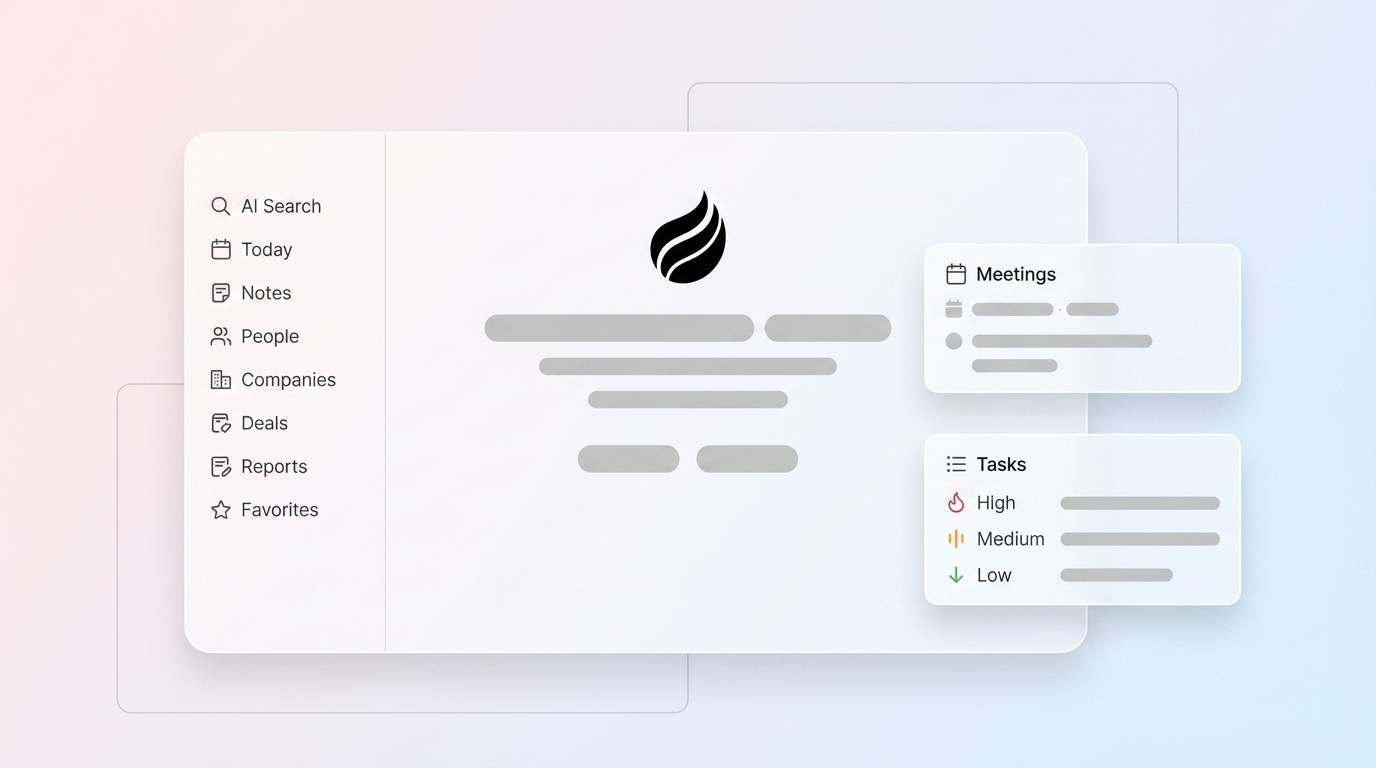
- Meeting Briefings: The agent prepares a "Today" page before each call, surfacing attendee roles, past interaction history, and open action items.
- AI Meeting Bot: The agent joins Zoom, Google Meet, and Microsoft Teams calls to record and transcribe in real time.
- Automated Summaries: Post-call, the agent generates structured summaries using BANT, MEDDIC, or SPICED frameworks and logs them directly to the CRM record.
- Auto-Drafted Follow-Ups: The agent drafts follow-up emails in Gmail or Outlook for the rep to review and send, so no one writes from scratch.
Troubleshooting: Speaker diarization accuracy depends on audio quality. When multiple participants join from the same physical room on one device, the agent labels unidentified speakers as "Speaker [N]" and flags associated action items for human assignment rather than guessing attribution.

Step 6: Set Up Pipeline Intelligence with Compare and Lead Finder
Traditional CRM pipeline management relies on spreadsheet exports and weekly reviews, whereas AI-powered CRM delivers real-time dashboards with risk flags for at-risk deals and anomalies. Coffee replaces that manual process with two native capabilities that work together. Pipeline Compare shows which deals need attention, and Lead Finder helps you backfill your pipeline with net-new prospects that match your ideal customer profile.
Pipeline Compare visualizes week-over-week changes automatically, including progressed deals, stalled opportunities, and new additions, without a single CSV export. Pipeline reviews shift from interrogation sessions into strategic discussions.
Lead Finder builds targeted prospect lists from Coffee's built-in database using natural language. An example query:
"Find me VPs of Sales at SaaS companies with 50–200 employees in the United States."

The agent interprets the request, shows a preview of matching results before committing, and delivers a list that lives directly inside Coffee. The list is ready for enrichment and enrollment into Campaigns with no CSV handoff between tools.

Step 7: Launch Campaigns with Stop-on-Reply and Throttling
The final step closes the loop from lead discovery to outbound execution. Coffee's Campaigns feature runs multi-step email sequences natively from the rep's own connected mailbox, not a bulk-sending domain.
To launch a campaign, describe it in plain English:
"4-step outreach to webinar attendees introducing our pipeline analytics product. Tone: direct and consultative."
The agent generates subject lines, body copy, and send delays for every step. Every step remains fully editable. Key protections are on by default:
- Stop-on-reply: The moment a prospect responds, the agent pauses their sequence automatically, so no one receives an automated email after a real conversation has started.
- Send throttling: Built-in rate limits protect the rep's sender reputation.
- Dynamic list enrollment: New contacts matching the campaign criteria are enrolled automatically as they enter Coffee, which keeps outreach continuous without manual list refreshes.
Measure Success: Track Hours, Data, and Revenue Impact
Define KPIs before launch using the baseline audit from Step 1, then measure against these 60–90 day benchmarks.
- Hours reclaimed per rep per week: Target the baseline waste identified in your Step 1 audit, which typically falls in the 8–12 hour range.
- CRM field completion rate: Target above 80%. CRM data completeness can rise substantially with AI activity capture deployment.
- Pipeline conversion rate: AI for pipeline management can improve qualification and closing rates.
- Forecast accuracy: Nucleus Research in 2026 found that organizations deploying the o9 Solutions Digital Brain platform improved forecast accuracy by 3-8%.
- Time to positive ROI: Most SMBs see positive ROI from AI tools or automation within 60–90 days once at least one repetitive process such as interaction capture is fully automated.
Advanced Next Steps for Scaling Coffee
Once the 7-step framework is operational, teams can extend the Coffee Agent further. Start by customizing agent behavior, then automate list management, and finally scale across multiple teams as the organization grows.
- Custom API prompts: Use Coffee's API access to script bespoke briefing formats or integrate proprietary data sources into agent context.
- Dynamic list enrollment: Build lists that auto-update based on behavioral signals such as website visits, email opens, or deal stage changes, and feed them directly into active Campaigns.
- Multi-team workspace scaling: Add seats under Coffee's simple seat-based pricing model. The agent's labor scales without additional per-process metering or LLM usage fees.
Frequently Asked Questions
How can AI be used in CRM?
AI applies across the entire CRM workflow. On the data-in side, an AI agent automatically creates contact and company records from emails and calendar events, enriches those records with firmographic data, and logs every call and meeting activity without human input. On the data-out side, the same agent generates pipeline summaries, flags at-risk deals, produces meeting briefings, drafts follow-up emails, and runs outbound email sequences. The result is a CRM that reflects reality in real time rather than whatever a rep last remembered to type.
What is the best AI tool for CRM?
The best AI tool for CRM is one built as an agent from the ground up rather than a layer bolted onto a legacy database. Coffee is designed specifically around this principle. It operates either as a standalone AI-first CRM for teams of 1–20 seats or as a Companion App that sits on top of existing Salesforce or HubSpot instances. Unlike point solutions that handle only enrichment, only recording, or only sequencing, Coffee's agent handles all of these functions inside a single system, which eliminates the fragmented stack of ZoomInfo, Gong, Outreach, and similar tools.
Can AI replace manual CRM data entry?
Yes. An agent-native CRM like Coffee eliminates manual data entry by capturing structured and unstructured data such as emails, calendar events, call transcripts, and website visits, then writing clean, enriched records directly into the CRM without human involvement. The agent handles contact creation, company association, activity logging, and field enrichment autonomously. Reps interact with the output rather than producing the input, which improves CRM data completeness compared to typical manually maintained systems.
Which AI is best for CRM automation?
For B2B sales teams at 5–50 seat companies, Coffee is the most complete agent-native option available. It is the only solution that handles both structured data such as CRM fields, deal stages, and contact records and unstructured data such as email threads, call transcripts, and meeting notes within a single agent architecture built on a data warehouse. Competitors such as Day.ai focus only on unstructured productivity data, while Clarify lacks the depth of Salesforce and HubSpot integration required by established sales teams. Coffee's Companion model specifically addresses the complexity of Salesforce required fields, validation rules, quotas, and forecasting hierarchies that generic AI tools routinely break.
Conclusion: Turn Reps from Data Clerks into Closers
Legacy CRMs were designed to store data, not capture it. The result is a system that turns sales reps into data entry clerks and delivers bad data out to management. The 7-step framework above, which covers audit, agent stack selection, data source connection, guardrail configuration, meeting automation, pipeline intelligence, and campaigns, deploys an autonomous AI agent that inverts this dynamic.
Coffee is the only agent-native solution that delivers good data in and good data out for both SMBs adopting a modern CRM and mid-market teams committed to Salesforce or HubSpot. The agent handles every manual touchpoint so reps spend their time closing, not logging. Deploy your autonomous CRM agent today and start your Coffee trial now.


