Written by: Doug Camplejohn, CEO & Co-Founder, Coffee | Last updated: September 23, 2026
Key Takeaways
- AI CRM data entry automation works when governance-first policies define which fields AI can change before anything goes live.
- The five-stage workflow, Capture, Extract, Validate, Update, Review, gives you a clear structure for every field-level decision.
- Fields fall into risk tiers: fully automatic for activity logging, review-required for contact creation and pain points, and human-only for forecast and commit changes.
- Pre-automation data hygiene, including standardized values, deduplication rules, and ownership assignment, keeps AI from amplifying existing inconsistencies.
- Coffee covers the full capture-to-update pipeline for SMB and mid-market teams across Salesforce, HubSpot, and its own AI-first CRM.
The End-to-End Workflow From Capture to CRM Update
AI CRM data entry automation follows five sequential stages.
Capture → Extract → Validate → Update → Review
- Capture: Email (Gmail/Google Workspace, Microsoft 365), calendar events, and calls (Zoom, Teams, Meet transcripts) enter the system as raw inputs.
- Extract: Large language models pull structured fields such as contact names, deal amounts, next steps, and pain points from that unstructured text.
- Validate: The agent matches extracted data to the correct CRM record and checks against deduplication rules before writing anything.
- Update: Fields are written to the CRM according to the automation policy defined in the next section.
- Review: Exceptions and high-risk field changes route to the rep for approval before the system commits them.
Salesforce Einstein Activity Capture attempts to associate each address in the From, To, and CC fields of an email to user, contact, or lead records, handling the Validate stage for email and calendar data. AI CRM data entry in 2026 spans five distinct capabilities: automated call and meeting notes, automated activity logging, automated field updates, automated lead and contact enrichment, and automated workflow triggers. This five-stage mental model anchors every policy decision below.

Field-Level Automation: When AI Acts Alone vs. With Approval
The right automation level depends on what a wrong value would cost your team. Activity logging, meeting notes, and last-activity dates carry low risk, so AI can handle them outright. Follow-up tasks and new contact creation sit in the middle, where the agent drafts and the rep confirms. Deal stage, opportunity amount, and close date affect forecast and pipeline reporting, so they should be suggested for approval. Forecast and commit changes stay human-only because they are judgment calls.
The table below maps each CRM field to its automation tier and the reasoning behind it, so you can classify your own fields against the same four levels.
| CRM Field | Automation Level | Reasoning | Example Product |
|---|---|---|---|
| Email logging | Fully automatic | When email sync is enabled (Sync Email as Salesforce Activity, set up in Summer ’25 or later), Salesforce Einstein Activity Capture saves sent and received emails as email message and task records accessible to reports and flows; otherwise email data appears on activity timelines but is not saved as email message records | Salesforce Einstein Activity Capture |
| Meeting logging | Fully automatic | Calendar events sync as Event records linked to contacts and leads | Salesforce Einstein Activity Capture |
| Call summaries | Fully automatic | HubSpot Meeting Note Taker generates detailed call and meeting summaries directly inside the CRM record | HubSpot Meeting Note Taker |
| Last activity / Next activity dates | Fully automatic | Agent logs autonomously to keep deal state current | Coffee Agent |
| Follow-up tasks | Automatic + review | HubSpot recommends three workflows as the highest-impact first automations: contact and company enrichment at form fill, post-interaction sequence enrollment, and stale deal and record alerts | HubSpot Workflows |
| Meeting participants as new contacts | Automatic + review | Salesforce Einstein Activity Capture creates contact records on first connection but recommends Salesforce as source of truth to prevent overwrites | Salesforce Einstein Activity Capture |
| Pain points and needs from transcripts | Automatic + review | HubSpot Smart Data Capture suggests deal property updates from call transcripts for rep confirmation | HubSpot Smart Data Capture |
| Deal stage | Suggest + approve | LeadHaste recommends human review on high-stakes updates; HubSpot advises keeping deal terms human-reviewed | HubSpot AI Deal Properties |
| Opportunity amount | Suggest + approve | Sensitive fields like Opportunity Amount should require 95% confidence or a human approval step | Salesforce Agentforce |
| Close date | Suggest + approve | Forecast accuracy depends on human judgment for atypical deal cycles | Salesforce Agentforce |
| Forecast and commit changes | Human only | HubSpot advises AI-generated forecast summaries are inputs to manager judgment, not substitutes | HubSpot Forecasting |
Pre-Automation Data Hygiene Checklist
Before any of those field tiers go live, the CRM itself has to be clean. This is the step most implementations skip. If a CRM contains three different “Stage 2” labels, the AI will repeat whichever variant was spoken, multiplying the inconsistency across roughly 10x more records. Complete every item below before activating any automation tier.
- Define which fields matter: Identify revenue-critical fields such as legal account name, parent account, billing contact, customer tier, renewal window, and territory, then create a golden-record policy for each.
- Define allowed values for each field: Standardize deal stages with clear entry and exit criteria, and use picklists instead of free text.
- Define ownership rules: Assign one person or team accountable for ongoing data quality review.
- Define deduplication rules: Set the email field to unique where possible, configure duplicate-check fields per module, and schedule the dedupe tool weekly.
- Define which fields AI may modify: Classify fields by risk level before automation begins; if you cannot clearly classify fields, keep the first version of automation suggestion-only.
86% of IT leaders say data quality makes or breaks AI effectiveness. Automating a messy CRM spreads bad data at machine speed.
Contact Creation and Enrichment Automation
AI can identify new people in email threads and meetings, then create or deduplicate contact records before enriching them with firmographic data.

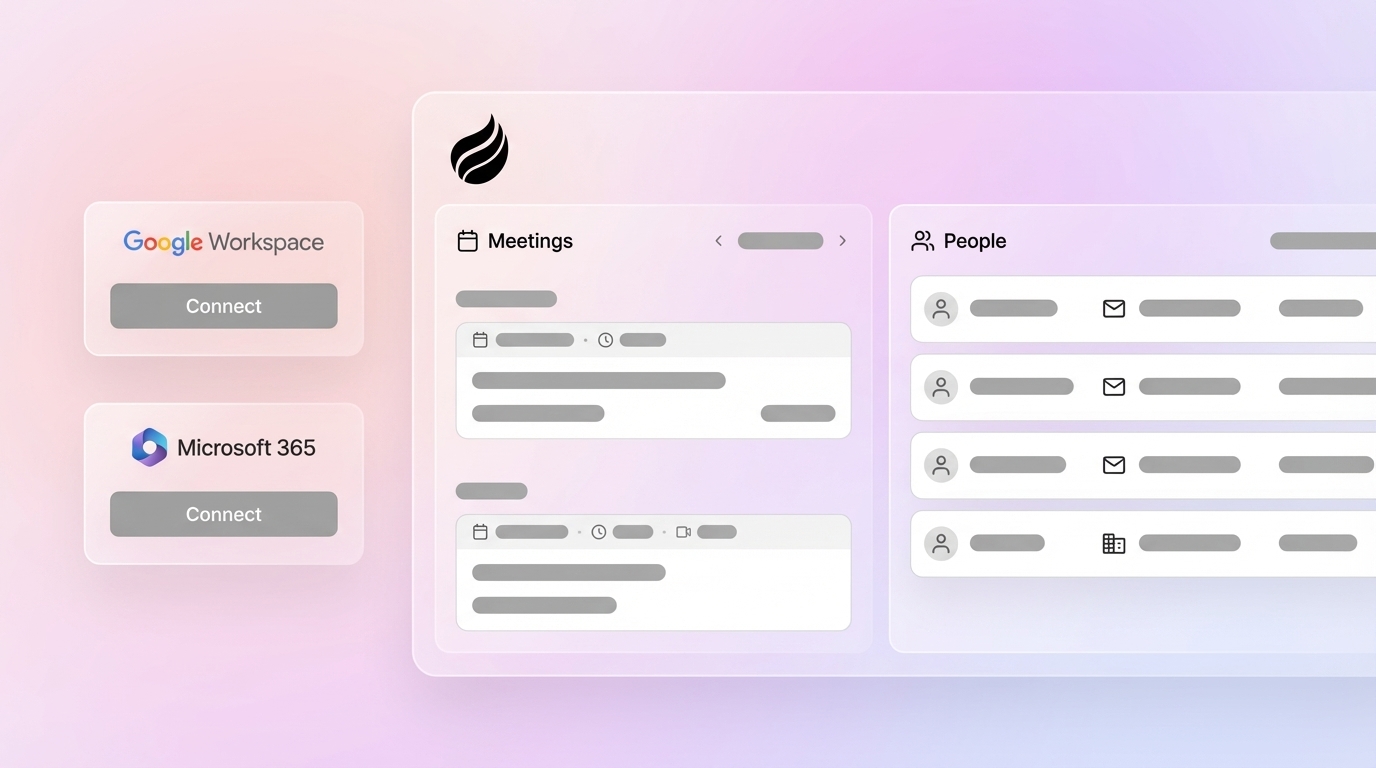
- Contact creation: Salesforce Einstein Activity Capture syncs contacts bidirectionally between Salesforce and Microsoft or Google; on first connection it scans the external account and creates records for contacts not already in Salesforce. Coffee’s Agent performs the same function when it connects to Google Workspace or Microsoft 365, auto-creating contacts and companies from email and calendar data.
- Deduplication: HubSpot’s Manage Duplicates tool flags likely matches by email, name, and company, and its AI deduplication feature supports bulk merging of flagged records. HubSpot recommends running deduplication before enrichment because enriching duplicate records consumes credits and creates conflicting field values.
- Enrichment: HubSpot’s data enrichment layer automatically populates over 40 contact and company properties including industry, company size, annual revenue, location, job title, and social media profiles. Coffee’s Agent augments records with job titles, funding, and LinkedIn profiles via licensed data partners.
- Enrich only empty fields: Configure enrichment to write only to empty fields to protect manually verified data points from being overwritten by automated enrichment.
Coffee’s Stripe integration automatically imports customers and companies, enriches them, and adds paid invoices to deals as Closed Won, which removes manual contact creation for that revenue stream.

Native CRM AI Compared With a Companion Agent
Contact creation and enrichment cover only part of the pipeline. To see where a dedicated agent is actually needed, separate what native CRM AI already handles from what it leaves uncovered.
Native CRM AI capabilities:
- Salesforce Einstein Activity Capture: Captures emails, calendar events, and contacts, and stores data on the activity timeline. It does not capture call or meeting content, so it cannot populate structured deal fields such as stage, next step, competitor, or qualification.
- HubSpot AI: Smart Data Capture suggests deal property updates from call transcripts, Meeting Note Taker generates summaries, and enrichment populates 40+ properties.
- Microsoft Sales Copilot: Generates meeting summaries and surfaces CRM update suggestions within Microsoft 365 apps, keeping reps inside Outlook and Teams rather than switching to the CRM.
Companion agent capabilities:
- Works with both structured and unstructured data such as email text, call transcripts, and calendar metadata in a single pipeline.
- Acts as system of record or as the agent feeding Salesforce or HubSpot, depending on deployment model.
- Captures call and meeting content to populate deal fields that native activity capture cannot reach.
- Enforces the field-level automation policy table above, routing high-risk fields to review instead of writing them autonomously.
Coffee’s improved summary templates, released in November 2025, are customizable to match workflows and writable back to Coffee, HubSpot, or Salesforce, which closes the gap that Einstein Activity Capture leaves open on call content. The architectural difference is scope. Native CRM AI is optimized for in-product guidance. A companion agent covers the full capture-to-update pipeline across every signal source.

Why Coffee Is the Right Agent for AI CRM Data Entry
Coffee is a CRM Agent that works with both structured and unstructured data on a built-in data warehouse. It offers two deployment models.
- Standalone AI-First CRM: For small companies with 1–20 employees that have outgrown spreadsheets and Notion. The Coffee Agent manages the system of record so founders and early sales hires avoid acting as data entry clerks.
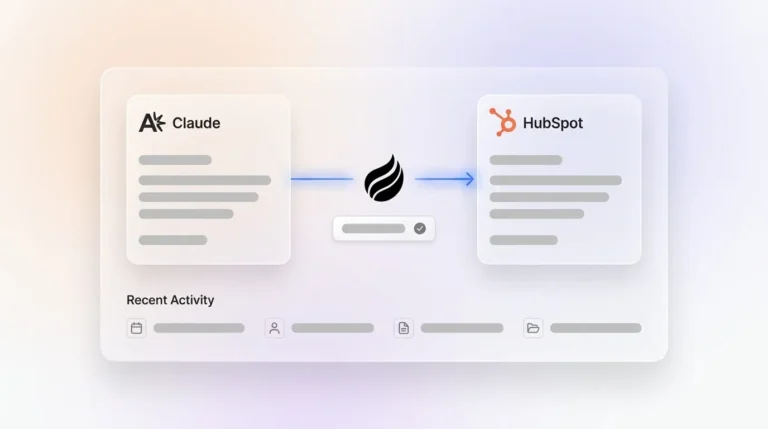
- Companion App for Salesforce and HubSpot: For small to mid-market teams with low adoption and poor data quality. A simple authentication allows the Coffee Agent to sync data, enrich it, and write insights back to the primary CRM.
Several capabilities directly execute the policy table above.
- Auto-create contacts and companies from Google Workspace or Microsoft 365 on first connection.
- Autonomous activity logging for last activity and next activity dates, keeping deal state current without rep input.
- Custom Meeting Briefings and Summaries, launched in February 2026, let users define exact formats, from executive summaries to granular technical breakdowns, written back to the CRM automatically.
- AI meeting bot with BANT, MEDDIC, and SPICED-structured notes for consistent qualification data.
- Pipeline Compare for week-over-week deal movement, which replaces manual CSV exports.
- An Intelligence layer, introduced in February 2026, stores deep context on business model, ICP, and competitors to power tailored AI suggestions across every field update.
Coffee saves reps 8–12 hours per week, and the pricing reflects that the agent is meant to run continuously with seat-based plans and unlimited agent labor, with no metering on LLM usage or processes.
How AI Changes the Role of Sales Reps and the CRM
AI replaces the data-entry clerk role, not the rep. The CRM becomes an agent-managed system of record rather than a database reps resent. Reps shift from data entry to strategic selling, while the CRM shifts from a manual logging burden to an autonomous intelligence layer.
HubSpot states that AI reduces administrative overhead but does not replace the judgment, relationship-building, and contextual decision-making that reps and admins provide; CRM admins shift from manual data management to workflow design, governance, and AI configuration. Gartner research found that sales organizations achieving moderate to large AI time savings and reinvesting that time into high-impact sales activities are 3.1 times more likely to exceed lead-to-opportunity conversion goals. The CRM itself remains the intelligence layer that makes those high-impact activities possible.
Governance-First Rollout Sequence: First 30 Days and Beyond
- Week 1 — Hygiene audit: Export all open opportunities from the last 90 days, randomly sample 20–30 records, and check critical fields such as decision-maker contact, documented next steps, realistic close date, deal stage justification, and budget.
- Week 2 — Connect email and calendar: Enable activity capture for logging only, with no field writes beyond email and event records.
- Week 3 — Turn on fully automatic logging: Enable email logging, meeting logging, call summaries, and last and next activity dates.
- Week 4 — Add review-tier fields: Turn on automation for follow-up tasks, meeting participants as new contacts, and pain points from transcripts.
- Week 5+ — Add approval-tier fields: Bring in deal stage, opportunity amount, and close date, with each routed to rep approval before committing.
Starting with one high-volume, low-stakes task such as logging meeting activities lets you gather real performance data before touching opportunity stages or close dates. For high-stakes pipeline, the draft-and-review phase for sensitive deals is the permanent operating model.
If you are still weighing the basics before committing to a rollout, the answers below cover the questions teams ask most often.
Frequently Asked Questions
Can AI Automate Data Entry?
Yes. AI can capture emails, calendar events, and call transcripts, extract structured fields from that unstructured text, and write them to CRM records without rep involvement. The tools differ in how much of that pipeline they cover. Salesforce Einstein Activity Capture handles email and calendar logging natively, while HubSpot Smart Data Capture suggests deal property updates from call transcripts. Dedicated agents like Coffee go further, automating activity logging, contact creation, field updates, and enrichment across both structured and unstructured data. Governance is the real constraint, so fields must be classified by risk level before any automation goes live.
How Do I Decide Which Fields AI Can Update on Its Own?
The four-tier policy above is the practical answer. Fully automatic fields are those where errors carry low business risk and are easy to verify, such as email logging, meeting logging, call summaries, and last and next activity dates. Automatic with review covers follow-up tasks, new contact creation from meeting participants, and pain points extracted from transcripts, where the agent writes a draft and the rep confirms. Suggest and approve applies to deal stage, opportunity amount, and close date, where a wrong value affects forecast and pipeline reporting. Forecast and commit changes stay human-only because they represent judgment calls that AI-generated summaries inform but do not replace.
What Are the Best AI Tools for Sales Reps for CRM Data Entry?
The native tools covered above each handle part of the pipeline, while the main gap involves call content and cross-source enrichment. Dedicated agents like Coffee enforce field-level automation policies, cover the full capture-to-update flow, and deliver the time savings noted above. For teams on Salesforce or HubSpot with low adoption and poor data quality, a companion agent fills the gaps that native CRM AI cannot reach, particularly deal field population and enrichment across multiple sources.
Will CRM Be Replaced by AI?
No. As noted above, the CRM shifts to an agent-managed system of record. AI replaces the data-entry clerk role, which includes repetitive logging, field updates, and contact creation that consume roughly 25–28% of a rep’s working time as part of the 65% of the week spent on non-selling activities. The system of record itself remains essential for pipeline intelligence, forecasting, revenue orchestration, and the audit trail that makes AI outputs trustworthy. The agent handles the maintenance work so the CRM stays accurate without constant human effort.
Conclusion: Governance First, Then Automation
The hard part of AI CRM data entry is deciding which fields AI is allowed to touch and cleaning the data before you turn it on. AI CRM data entry automation succeeds when you define field-level policies, complete the hygiene checklist before activation, and roll out automation in tiers from fully automatic to human-only. Coffee covers the full pipeline described above for SMB and mid-market teams.